17 Budget Calendar Ideas for Planning Bills and Paydays
Last updated on May 5th, 2026 at 03:43 pm
Stop scrambling to remember which bill is due when. A budget calendar turns your paydays and expenses into a clear, visual plan—no more surprises or late fees. These 17 ideas help you sync everything so your money flows smoothly all month.
From color-coding categories to scheduling buffer days, each tip is designed to reduce stress and boost control. You’ll learn how to align bills with paychecks, automate payments, and even plan for those irregular expenses that always sneak up.
Pick one or two strategies to start, then build from there. Before you know it, you’ll have a system that practically runs itself—leaving you more time and peace of mind.

Free PDF Download
Get the Free Budget Binder Starter Pack
Download simple printable budget sheets to plan your monthly money, track expenses, organize bills, and start building better money habits without feeling overwhelmed.
You’ll get this free PDF plus access to the full Marketerna Save More & Earn More PDF Kit. No spam. Unsubscribe anytime.
1. Sync Your Paydays with Fixed Bills
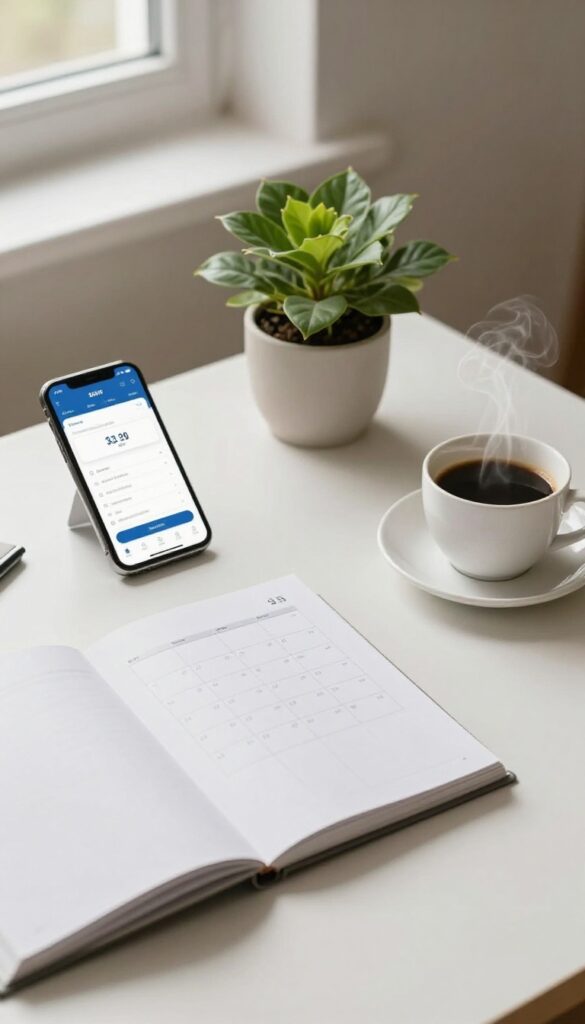
Getting your paychecks and bills on the same page is the foundation of a stress-free budget calendar. When your biggest expenses line up with your income, you avoid those nail-biting days of waiting for a deposit to clear before a due date passes.
Start by listing every fixed bill you have—rent, utilities, car payments, insurance, subscriptions. Then note your pay schedule: weekly, bi-weekly, twice a month, or monthly. The goal is to match each bill's due date to a paycheck that arrives before it.
If a bill is due before you get paid, call the company to move the due date. Most will let you shift it to a day after your payday with no penalty. If they won't, set aside money from the previous check into a separate "bill buffer" account so you're never caught short.
Map Your Paycheck Rhythm
If you get paid every other Friday, you have two or three paychecks per month. Map each bill to the paycheck that falls just before its due date. For example, if your rent is due on the 1st and you get paid on the 25th, that paycheck covers rent.
Use a simple calendar app or paper planner to mark each paycheck and the bills it will cover.
Call And Shift Due Dates
Don't be shy about asking creditors to move a due date. Most credit card companies, utilities, and even landlords will accommodate a request to shift the date by a week or two. Just say, "I'd like to align my payments with my pay schedule—can you move my due date to the 15th?
" It takes five minutes and can save you from late fees forever.
Create A Bill Buffer Account
When a due date can't be moved, set up a separate savings account for that bill. Each payday, deposit the amount you'll need before the bill hits. For example, if your car insurance is due on the 5th but you get paid on the 10th, put the premium aside from the previous check.
This way, the money is ready and waiting—no overdraft stress.
2. Color-Code by Category
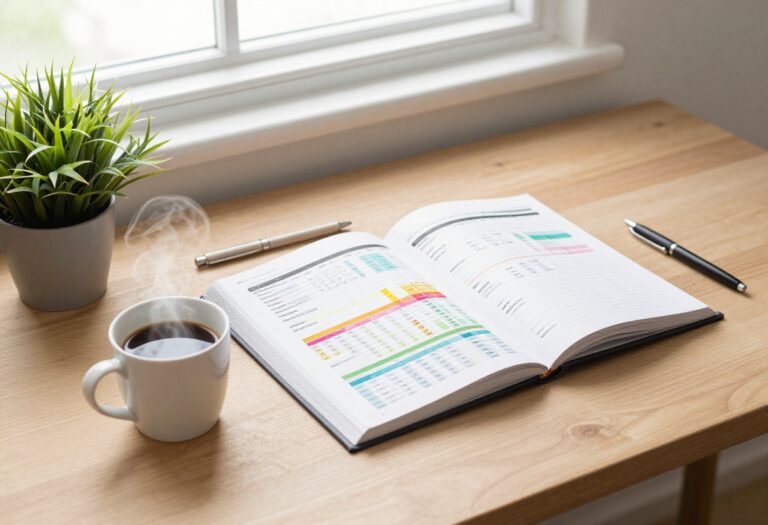
A rainbow of colors on your calendar isn’t just pretty—it’s a powerful way to see your spending at a glance. Assign a specific color to each category: bills, savings, groceries, and fun. When you open your calendar, you’ll instantly know if one color is taking over the month.
Color-coding turns your budget into a visual story. You can spot trends, catch overspending early, and feel more in control without digging through spreadsheets.
Pick Your Palette
Choose colors that make sense to you. Red for urgent bills, green for savings growth, yellow for groceries, and blue for fun money. Stick with 4–6 colors max to keep it simple.
Set Up Your Calendar
Use a digital calendar with color labels or a paper planner with highlighters. Mark each bill on its due date, paydays in their own color, and recurring expenses like subscriptions. Review weekly to adjust.
Read The Big Picture
At month’s end, glance at the color balance. If red (bills) dominates, consider cutting costs. If blue (fun) is sparse, you might need to budget more for enjoyment.
The colors tell the story.
Free PDF Download
Get the Free Budget Binder Starter Pack
Download simple printable budget sheets to plan your monthly money, track expenses, organize bills, and start building better money habits without feeling overwhelmed.
You’ll get this free PDF plus access to the full Marketerna Save More & Earn More PDF Kit. No spam. Unsubscribe anytime.
3. Mark Paydays as Income Events
Your paycheck isn't just a number—it's the fuel for your entire budget. When you treat each payday as a recurring calendar event, you give yourself a clear starting point for every financial decision. Jot down the net amount you expect, and then immediately map that money to the bills and goals it needs to cover.
This simple habit turns a passive deposit into an active plan.
By marking paydays as income events, you create a visual trigger that reminds you to allocate funds before they slip away. Include details like the deposit time (if it's consistent) and any notes about variable amounts. This makes it easy to see at a glance whether you have enough to cover upcoming expenses or if you need to adjust spending.
Set Up Recurring Payday Events
Add each payday as a recurring event on your calendar—weekly, biweekly, or monthly. In the event description, note your typical net pay and any irregular fluctuations. This turns your calendar into a reliable forecast of cash flow.
Immediately Assign Funds To Bills
Right after adding the payday event, schedule bill payments or transfer money to savings. For example, if your paycheck arrives on the 1st, set the rent payment for the 2nd. This ensures your most important obligations are covered first.
Include A Buffer For Variable Income
If your income varies, create a conservative estimate for each payday event. Then, on the actual payday, update the amount and adjust your allocations. This keeps your calendar flexible yet grounded in reality.
4. Add a 'Buffer Day' Before Each Bill
Even with the best calendar, life happens. A forgotten login, a weekend delay, or a simple typo can turn an on-time payment into a late fee. That's where a buffer day comes in—a simple trick that gives you breathing room before every due date.
Set a reminder one or two days before each bill is due. This isn't about paying early; it's about checking that everything is ready to go. Think of it as a safety net that catches small mistakes before they cost you.
Why A Buffer Day Works
Most late fees happen because of timing issues—funds not yet cleared, a payment portal glitch, or simply forgetting to hit submit. A buffer day gives you a window to fix those problems. If something's off, you have 24 to 48 hours to sort it out without penalty.
How To Set It Up
Open your budget calendar and look at each bill's due date. Add a second event two days earlier labeled "Buffer: [Bill Name]". Color-code it differently so it stands out.
When that buffer alert pops, take two minutes to log in, confirm the payment is scheduled, and check your balance.
What To Do On Buffer Day
Don't just glance at the reminder—take action. Transfer money if needed, update payment methods, or reschedule if the due date falls on a holiday. Use the extra time to double-check amounts and avoid autopay errors.
A quick check now saves headaches later.
Free PDF Download
Get the Free Budget Binder Starter Pack
Download simple printable budget sheets to plan your monthly money, track expenses, organize bills, and start building better money habits without feeling overwhelmed.
You’ll get this free PDF plus access to the full Marketerna Save More & Earn More PDF Kit. No spam. Unsubscribe anytime.
5. Use a Monthly Bill Tracker Spreadsheet
Sometimes the simplest tools are the most effective. A bill tracker spreadsheet gives you a clear, editable record of every expense without needing fancy software. You can customize it exactly how you want and update it as you go.
Set up columns for bill name, amount, due date, and payment status. Add a checkbox or dropdown for "paid" so you can see progress at a glance. Link it to your calendar as a recurring task to review and update weekly.
What To Include
List every recurring bill—rent, utilities, subscriptions, loans. Add a column for notes (like confirmation numbers or autopay details). Keep a running total so you know your monthly obligations at a glance.
How To Keep It Updated
Set a recurring calendar reminder every Friday to check your spreadsheet. Mark bills as paid as soon as you submit payment. This habit prevents double payments and missed due dates.
Pro Tip: Color Code By Status
Use conditional formatting to turn rows green when paid, yellow when due soon, and red when overdue. This visual cue makes your spreadsheet scannable and helps you prioritize.
6. Schedule Weekly Money Check-Ins
A budget calendar isn't a set-it-and-forget-it tool. To keep it working for you, carve out 15 minutes every Sunday to look at the week ahead. This small habit turns calendar planning into an active money management system that catches issues before they become problems.
Consistency beats cramming when it comes to money. A quick weekly review helps you spot upcoming bills, adjust for unexpected expenses, and feel prepared rather than panicked. Over time, this check-in becomes a calming ritual that keeps your finances on track.
What To Review In 15 Minutes
Start by scanning next week's bills and due dates. Then check your account balances to ensure enough funds are available. Finally, adjust any spending plans if a surprise expense popped up.
That's it—short and focused.
Pair It With A Recurring Reminder
Set a phone alarm or calendar notification for Sunday evening. When the alert goes off, grab your budget calendar and a coffee. Making it a routine removes the mental load of remembering to do it.
Turn It Into A Weekly Win
Use the check-in to celebrate small victories, like paying off a bill early or staying under budget. A positive spin keeps you motivated and makes the habit stick long-term.
7. Plan for Irregular Bills
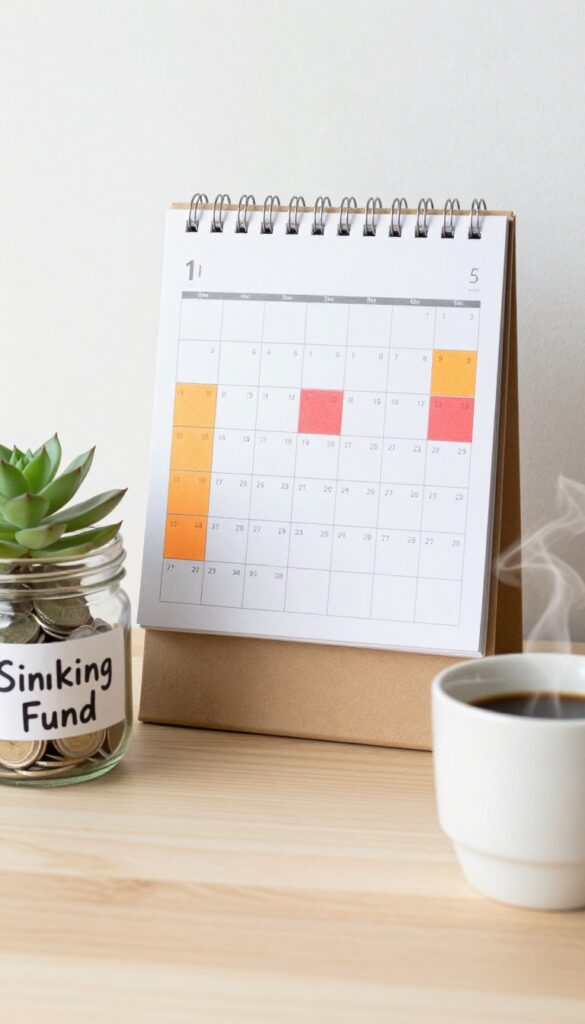
Those surprise bills that show up once or twice a year can wreck a budget fast. Insurance premiums, property taxes, and annual subscriptions often get forgotten until they're due. The trick is to treat them like monthly expenses by breaking them into smaller, manageable chunks.
List every irregular bill you pay—quarterly, semi-annual, or annual. Add up the total for the year, then divide by 12. Each month, set aside that amount in a separate savings account or envelope.
Mark the actual due dates on your calendar so you know when to transfer the money out.
Find All The Sneaky Ones
Go through last year's bank statements and look for any bill that didn't appear monthly. Think car registration, dental cleanings, or software subscriptions. Write them all down with their amounts and due dates.
Set Up A Dedicated Sinking Fund
Open a high-yield savings account just for irregular bills. Automate a monthly transfer for the total you calculated. When a bill comes due, you'll have the cash ready without touching your regular budget.
Color-code Your Calendar
Use a different color for irregular bills on your calendar. For example, orange for quarterly and red for annual. This visual cue reminds you that these are separate from your usual monthly expenses.
8. Automate Payments on Paydays
Timing is everything when it comes to bill payments. If you schedule automatic payments to go through right after your paycheck hits your account, the money is already gone before you have a chance to spend it elsewhere. This approach turns your budget calendar into a hands-free system that works in the background, reducing mental load and eliminating late fees.
Automating payments on payday is one of the simplest ways to stay on track. By aligning your bills with your income schedule, you ensure that essentials are covered first. This method also helps you avoid the temptation to dip into funds earmarked for rent or utilities.
Why Payday Timing Matters
When your paycheck lands, your account balance looks healthy. But that surplus can quickly disappear on non-essentials. By scheduling automatic payments for the same day or the day after, you prioritize your obligations.
This creates a natural buffer: what remains is truly yours to spend or save.
Setting Up The Automation
Most banks and billers allow you to set up recurring payments. Log into your online banking or each biller's portal and choose a payment date that matches your payday. If your payday varies, set the payment for the second day after the expected deposit to account for any delays.
Start with one or two bills to test the system, then add more as you gain confidence.
What If Funds Are Low?
Automation works best when your budget is realistic. If you're worried about overdrafts, schedule payments a day or two after your paycheck to allow for processing time. You can also set up low-balance alerts so you know exactly where you stand.
The goal is to remove guesswork, not add stress.
9. Create a 'Bills Paid' Checklist
A simple checklist can be your best friend when it comes to staying on top of bills. Whether you prefer pen and paper or a digital app, checking off each payment as you make it gives you instant peace of mind. No more wondering, "Did I pay that already?
"
Print or digitally maintain a checklist of all monthly bills. Check them off as you pay. This simple habit prevents double payments or missed ones.
Choose Your Format
A physical checklist on your fridge or in your planner works great if you like seeing things in writing. Digital options include a notes app, a spreadsheet, or a dedicated checklist app like Todoist or Microsoft To Do. Pick the one you'll actually use.
What To Include
List every recurring bill: rent/mortgage, utilities, subscriptions, insurance, and any installment plans. Add columns for the due date, amount, and a checkbox. You can also note the payment method (auto-pay vs. manual) for extra clarity.
Review And Reset Monthly
At the end of each month, look over your completed checklist. Spot any patterns or missed payments? Adjust your system.
Then start fresh for the next month. This small ritual keeps you accountable and helps you catch errors early.
10. Use a Wall Calendar for Visual Tracking
There's something about a big, physical calendar that makes budgeting feel real. When you see those due dates and amounts every day, it's harder to ignore them. Plus, the simple act of writing things down can help commit them to memory.
Hang a large monthly calendar in a spot you pass often—like the kitchen or home office. Each month, fill in all your bill due dates and amounts. Use a different color for each category (utilities, subscriptions, loans) so you can spot patterns at a glance.
Seeing the whole month laid out helps you plan ahead for weeks with multiple big payments.
Why Physical Works
A wall calendar is always visible, so you can't accidentally ignore it like a digital reminder. The tactile act of marking a bill as paid gives a small sense of accomplishment. And if you share a household, everyone can see what's coming up.
Make It A Habit
Set aside 10 minutes at the start of each month to fill in the calendar. Pair it with something you already do, like having your morning coffee. Keep a pen nearby so you can jot down any new bills that come in.
Combine With Other Tools
Use the wall calendar as your big-picture view, and keep a digital calendar or app for reminders. That way, you get the benefits of both: the visual reminder and the push notification before a due date.
11. Pair Bills with Paycheck Splits
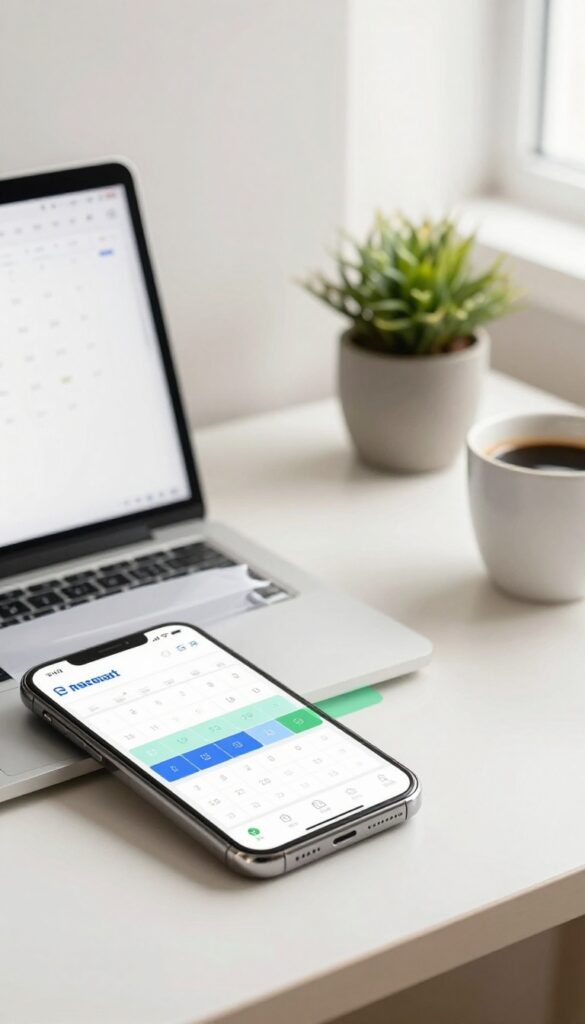
Getting paid every two weeks can feel like a juggling act, but it’s actually a perfect rhythm for paying bills. Instead of waiting for one big monthly paycheck to cover everything, split your expenses across both pay periods. This way each check has a clear job and you’re never left scrambling.
Start by listing all your monthly bills and grouping them into two batches: one for your first paycheck of the month and one for the second. Aim for roughly equal amounts so you don’t drain one check completely. For example, if your first paycheck covers rent and car payment, the second can handle utilities, subscriptions, and groceries.
Adjust as needed based on due dates.
Align With Due Dates
Check when each bill is due and assign it to the paycheck that arrives before that date. If your rent is due on the 1st, it makes sense to pay it with the paycheck you receive around the 25th of the previous month. This prevents late fees and keeps cash flow smooth.
Use A Split Tracker
Create a simple spreadsheet or use a budgeting app to track which bills belong to which paycheck. Color-code them (e. g. , blue for first half, green for second) so you can see at a glance what’s covered. Update it whenever a bill changes or you add a new one.
12. Add Savings Goals as Non-Negotiable Bills
Most people treat savings as an afterthought—whatever’s left at the end of the month. But if you flip that mindset and treat savings like a mandatory bill, you’ll actually build wealth. The trick is to schedule a recurring transfer on payday, just like your rent or car payment.
Mark it on your calendar as “Savings Bill – $X” so it becomes non-negotiable.
When you see “Savings Bill” on your calendar right next to your electric bill, your brain treats it with the same urgency. No more skipping a month because you “forgot. ” This method works especially well for irregular savings goals like a vacation fund or emergency stash. You can even set up separate calendar entries for each goal—one for the trip, one for the rainy day fund.
Pick Your Savings Targets First
Decide what you’re saving for: an emergency fund, a big purchase, or maybe both. Assign a specific dollar amount to each goal. Then on your calendar, create a recurring event on every payday that says “Emergency Fund – $50” or “Vacation – $100. ” This turns vague intentions into concrete actions.
Automate The Transfer Right After Payday
Set up an automatic transfer from checking to savings for the same day you get paid. If your money moves before you can spend it, you won’t miss it. Put a calendar reminder to confirm the transfer went through—just a quick check to keep yourself accountable.
13. Use a Digital Calendar with Recurring Reminders
Your phone or computer already has a powerful tool for bill tracking—you just need to set it up right. Google Calendar, Outlook, or Apple Calendar can handle recurring events for every bill, with details like the amount and payment method in the description. Once it's set, you'll get automatic reminders days before each due date, so nothing slips through the cracks.
Digital calendars are perfect for visual planners who want everything in one place. You can see your entire month at a glance, including both bills and paydays. Plus, you can share the calendar with a partner or family member so everyone stays in the loop.
Set Up Recurring Events
Create a new event for each bill—set it to repeat monthly on the due date. In the event title, include the bill name and amount (e. g. , “Rent $1, 200”). In the description, add the payment method and any account details you might need.
Set a reminder for 3–5 days before the due date so you have time to transfer funds.
Color-code By Category
Use different colors for different types of bills: red for rent/mortgage, blue for utilities, green for subscriptions, yellow for debt payments. This makes your calendar instantly scannable. You can also color-code paydays in a separate color so you see income and expenses side by side.
Sync Across Devices
Make sure your calendar syncs to your phone, tablet, and computer. That way, you’ll get reminders wherever you are. If you share finances with someone, give them view or edit access so you’re both on the same page—no more “I thought you paid that” moments.
14. Track Payment Confirmations
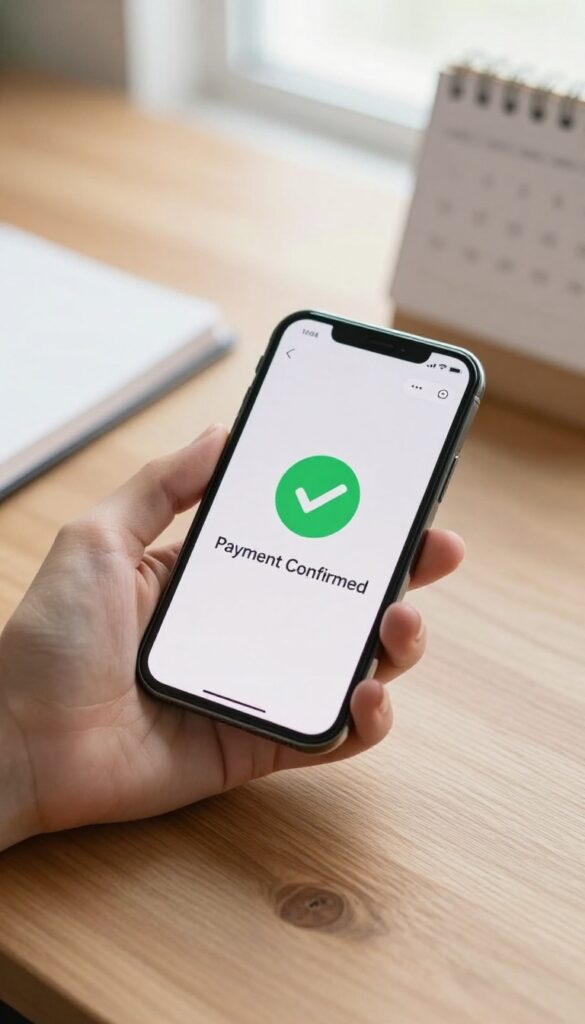
After you hit "pay" on a bill, the worry doesn't always disappear. Did it go through? Will it post on time?
Adding a confirmation step to your calendar eliminates that nagging doubt and gives you a clear record of every payment.
Make it a habit to log a confirmation note or screenshot in your calendar entry right after paying. This small action creates a paper trail that proves you paid on time—super helpful if a billing error ever pops up. It also brings genuine peace of mind because you can see at a glance that everything is handled.
What To Include In Your Confirmation
In the calendar event for each bill, add a line like "Paid on [date] — confirmation #[number]" or attach a screenshot of the payment confirmation screen. Include the amount paid, the method (e. g. , credit card or bank transfer), and any reference number. That way, you have everything you need in one spot.
Set A Reminder To Double-check
A day or two after the payment date, schedule a quick follow-up reminder to verify the payment actually posted to your account. This catches any glitches early, before late fees kick in. It takes just a minute but saves a ton of hassle.
15. Plan for Variable Income
When your paycheck changes from week to week, a budget calendar becomes your best friend. Instead of guessing how much you'll have, you can map out estimated earnings alongside your must-pay bills. This approach helps you cover the essentials first and then decide how to handle the rest.
Start by listing your fixed costs—rent, utilities, loan payments—on the calendar. Then, in a different color, note your expected income based on past averages or confirmed gigs. If a lean week is coming, you can see it ahead of time and adjust spending accordingly.
Estimate Conservatively
When you're not sure exactly what you'll earn, it's smart to underestimate. Use your lowest recent month as a baseline. That way, if you earn more, it's a pleasant surprise—not a scramble to cover bills.
Build A Buffer Week
If you can, schedule a buffer week each month with no bills due. This gives you breathing room if a payment arrives late or an expense pops up. Use that week to review your cash flow and adjust the rest of the month.
Track And Adjust Weekly
Set a recurring calendar reminder every Sunday evening to update your income and expenses. A quick 10-minute check keeps your plan accurate and helps you avoid surprises. Over time, you'll spot patterns and get better at predicting your cash flow.
16. Include a 'No-Spend Day' Challenge
A no-spend day is exactly what it sounds like: 24 hours where you don't spend a single cent. It's a simple but powerful way to reset your spending habits and redirect cash toward your financial goals. Mark one day each week on your calendar as a no-spend day—maybe Monday after a weekend of outings, or Wednesday to break up the week.
The beauty of this challenge is its flexibility. You choose the day that fits your schedule. If you know you have a free day with no errands or social plans, that's a perfect candidate.
Over time, these no-spend days add up, freeing money for bills, debt payments, or savings. They also train you to distinguish between wants and needs, making it easier to cut unnecessary expenses.
Pick Your Day Wisely
Look at your week and pick a day when you're least likely to need money. Maybe it's a work-from-home day when you won't buy lunch or coffee. Or a quiet Sunday when you're meal-prepping and relaxing.
Avoid days with known expenses like a planned dinner out or a grocery run.
Make It A Game
Turn it into a fun challenge with yourself or your family. Track how many consecutive no-spend days you can string together. Celebrate small wins—like a streak of four in a month.
You can even reward yourself with a free activity, like a movie night at home or a walk in the park.
Plan Ahead For Success
Set yourself up for success by prepping meals, filling your gas tank, and handling any necessary purchases the day before. On your no-spend day, avoid browsing online stores or going to malls. Keep busy with free hobbies, reading, or spending time outdoors.
17. Review and Adjust Monthly

Even the best budget calendar needs a quick monthly checkup. Set aside 15 minutes at the end of each month to look back at what worked and what didn't. This small habit keeps your system flexible and prevents small slip-ups from turning into bigger problems.
A monthly review is your chance to fine-tune the calendar before the next cycle starts. Look for missed bills, unexpected charges, or timing issues between paydays and due dates. Adjust due dates or payment methods as needed.
Over time, this practice makes your calendar more accurate and less stressful.
Spot The Gaps
Flip through last month's calendar and note any bills you paid late or forgot entirely. Also check for surprise expenses—like a car repair or a subscription you didn't use. Add those to next month's calendar as reminders or buffer items.
Tweak The Timing
If a bill consistently falls a day before your paycheck arrives, see if you can shift the due date. Many companies let you change it online. If not, schedule a reminder to transfer money a few days early so you're never caught short.
Celebrate Small Wins
Notice what went smoothly—maybe you paid everything on time or built a little extra savings. Acknowledging progress keeps you motivated. Use that positive momentum to tweak one small thing next month, like adding a new category or automating one more payment.
FAQ
What is a budget calendar?
A budget calendar is a tool that maps your income and expenses on a calendar. It shows when bills are due and when paychecks arrive, helping you plan cash flow and avoid late payments.
How do I start a budget calendar?
List all your income sources and bills with due dates. Choose a format (paper, spreadsheet, or app). Then plot each item on the calendar, color-coding for clarity.
Update it regularly.
Can a budget calendar help with irregular income?
Yes. Estimate your lowest monthly income and prioritize essential bills. Use the calendar to track actual earnings and adjust spending in real time.
A buffer fund helps smooth out fluctuations.
What's the best tool for a budget calendar?
It depends on your preference. Google Calendar is great for digital reminders. A wall calendar works for visual learners.
Spreadsheets offer flexibility. Choose what you'll actually use consistently.
How often should I update my budget calendar?
Update it whenever you add a new bill, change income, or adjust spending. A quick weekly review keeps it accurate. Monthly reviews help you refine your system.
Conclusion
A budget calendar isn't just a schedule—it's a stress reliever. When you know exactly when money comes in and goes out, you stop guessing and start planning. That peace of mind is worth the few minutes it takes to set up.
Pick one or two ideas from this list and try them this month. You'll quickly see which ones work for your lifestyle. Over time, your calendar becomes a trusted financial partner, not another chore.
Free PDF Download
Get the Free Budget Binder Starter Pack
Download simple printable budget sheets to plan your monthly money, track expenses, organize bills, and start building better money habits without feeling overwhelmed.
You’ll get this free PDF plus access to the full Marketerna Save More & Earn More PDF Kit. No spam. Unsubscribe anytime.