19 Bill Tracker Ideas for Monthly Budgeting
Last updated on May 5th, 2026 at 03:42 pm
Forgetting a due date can mean late fees, stress, and a hit to your credit score. A solid bill tracker changes that by giving you a clear picture of what's due and when. Whether you prefer digital tools or pen and paper, there's a method that fits your life.
The right tracker does more than remind you of payments. It helps you see patterns, plan for irregular expenses, and keep your budget on track without constant mental effort.
These 19 ideas range from simple to sophisticated, so you can start small or go all in. Pick one that clicks and watch your bill-paying anxiety melt away.

Free PDF Download
Get the Free Budget Binder Starter Pack
Download simple printable budget sheets to plan your monthly money, track expenses, organize bills, and start building better money habits without feeling overwhelmed.
You’ll get this free PDF plus access to the full Marketerna Save More & Earn More PDF Kit. No spam. Unsubscribe anytime.
1. The Classic Spreadsheet
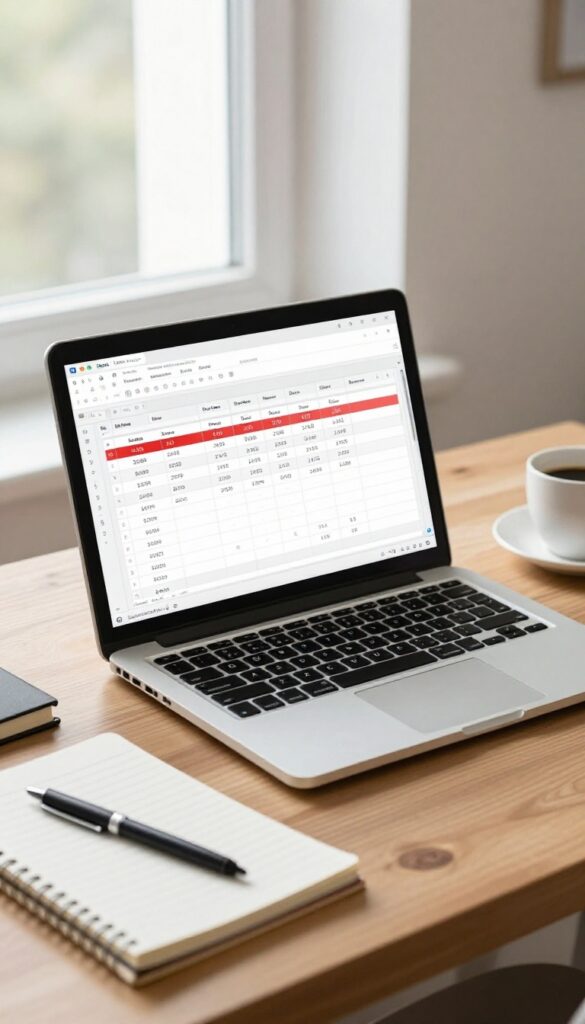
There's a reason spreadsheets never go out of style. They're flexible, free (or cheap), and you can set them up exactly how you want. No learning curve, no app store, no ads.
Just you and your data.
A simple spreadsheet in Google Sheets or Excel lets you list every bill, its due date, amount, and whether you've paid it. You can color-code rows, add notes, and even share it with a partner so you're both in the loop. It's the ultimate customizable tracker.
Why It Works
You control everything. Want a column for confirmation numbers? Add it.
Need a running total of what's left to pay? A quick formula does that. Spreadsheets adapt to your brain, not the other way around.
How To Set It Up Fast
Open a new sheet. Columns: Bill Name, Due Date, Amount, Status (Paid/Unpaid), and Notes. List all your monthly bills.
Highlight upcoming due dates in red. That's it. You're already tracking.
Pro Tips For Power Users
Use conditional formatting to automatically color cells when a due date is within 3 days. Add a SUM formula at the bottom to see your total monthly obligations. Share the sheet with your partner via a link so you both see updates in real time.
2. Bullet Journal Bill Layout
If you love the tactile feel of pen on paper and want a dash of creativity in your budgeting, a bullet journal bill layout might be your perfect match. This method turns a simple tracker into a personalized monthly spread that you actually enjoy filling out. It’s flexible, visual, and surprisingly satisfying.
Set up a new page each month with columns for due date, bill name, amount, and a checkbox. Use a ruler and colorful pens to make it neat. The act of writing down each bill helps cement it in your memory, and checking it off brings a small sense of accomplishment.
You can add stickers, washi tape, or doodles to make it your own.
What You’ll Need
All you need is a dot-grid or blank notebook, a pen, and a ruler. Optional extras include colored markers, highlighters, and stickers for decoration. No fancy supplies required—just what makes you smile.
How To Set It Up
Draw columns for due date, bill name, amount, and a checkbox. Leave room at the bottom for totals or notes. Fill in your bills at the start of the month, then check them off as you pay.
You can also add a column for payment method or confirmation number.
Why It Works
The physical act of writing improves memory and focus. Plus, the creative aspect makes bill tracking less of a chore. You’ll look forward to updating your spread, which means you’re less likely to miss a payment.
Free PDF Download
Get the Free Budget Binder Starter Pack
Download simple printable budget sheets to plan your monthly money, track expenses, organize bills, and start building better money habits without feeling overwhelmed.
You’ll get this free PDF plus access to the full Marketerna Save More & Earn More PDF Kit. No spam. Unsubscribe anytime.
3. Envelope System for Bills
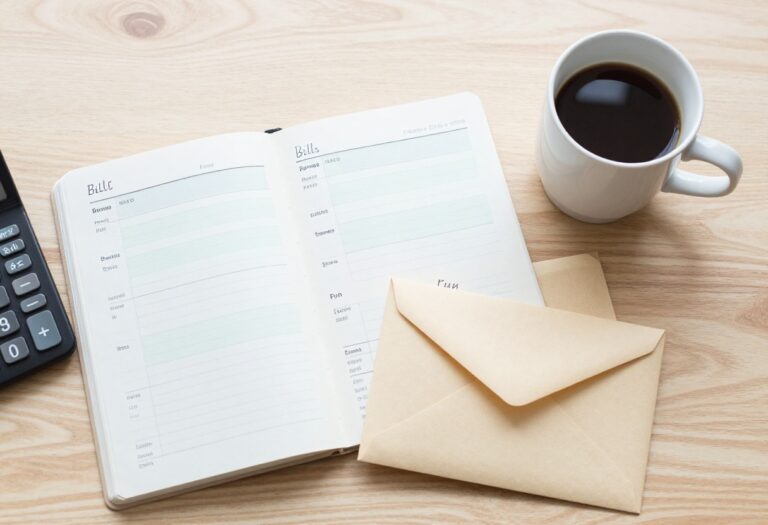
If you're a visual learner who needs to see your money physically set aside, the envelope system is a game-changer. It's simple: grab a few envelopes, label each with a bill name, and stuff them with cash or a note indicating the amount to transfer. This method turns abstract numbers into tangible reminders of your financial commitments.
The envelope system forces you to allocate funds before spending, making it nearly impossible to accidentally use bill money for something else. It's especially effective for irregular expenses like insurance or annual subscriptions.
How To Set It Up
Start by listing all your monthly bills. Grab an envelope for each one and write the bill name and due date on the front. Then, on payday, put the exact amount of cash needed into each envelope.
If you prefer not to carry cash, insert a sticky note with the amount and a reminder to transfer from your account.
Tracking And Adjusting
After paying a bill, write the date and amount on the envelope. This creates a simple payment log. If you have leftover cash in an envelope, roll it over to next month or treat yourself.
For variable bills like utilities, estimate high and adjust after a few months.
Pros And Cons
The biggest pro is the physical reminder of your financial limits. It's also great for couples who want a shared visual system. The downside: cash can be lost or stolen, and it doesn't work well for online-only payments.
But you can adapt by using a prepaid debit card for each envelope category.
4. Calendar Blocking Method
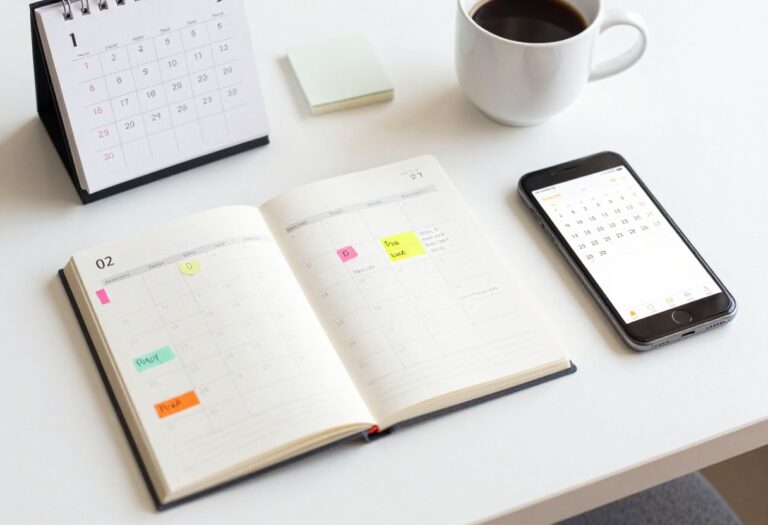
Your calendar isn't just for meetings and appointments—it's a powerful bill tracker too. By adding due dates as recurring events, you turn a tool you already check daily into a payment reminder system. Color-coding by category makes it easy to see at a glance what's coming up.
Set It And Forget It
Create a recurring event for each bill on its due date. Set a reminder a few days before so you have time to transfer funds. Once it's on your calendar, you don't have to think about it again until the reminder pops up.
Color-code For Clarity
Assign a color to each bill category: red for utilities, blue for subscriptions, green for loans. When you look at your month view, you instantly see which types of payments are due. This visual system helps you spot months with heavy loan payments or subscription overload.
Sync Across Devices
Use a digital calendar like Google Calendar or iCal that syncs to your phone, tablet, and computer. That way, you get reminders wherever you are. Share the calendar with a partner or family member so everyone stays in the loop.
Free PDF Download
Get the Free Budget Binder Starter Pack
Download simple printable budget sheets to plan your monthly money, track expenses, organize bills, and start building better money habits without feeling overwhelmed.
You’ll get this free PDF plus access to the full Marketerna Save More & Earn More PDF Kit. No spam. Unsubscribe anytime.
5. The Bill Pay Checklist
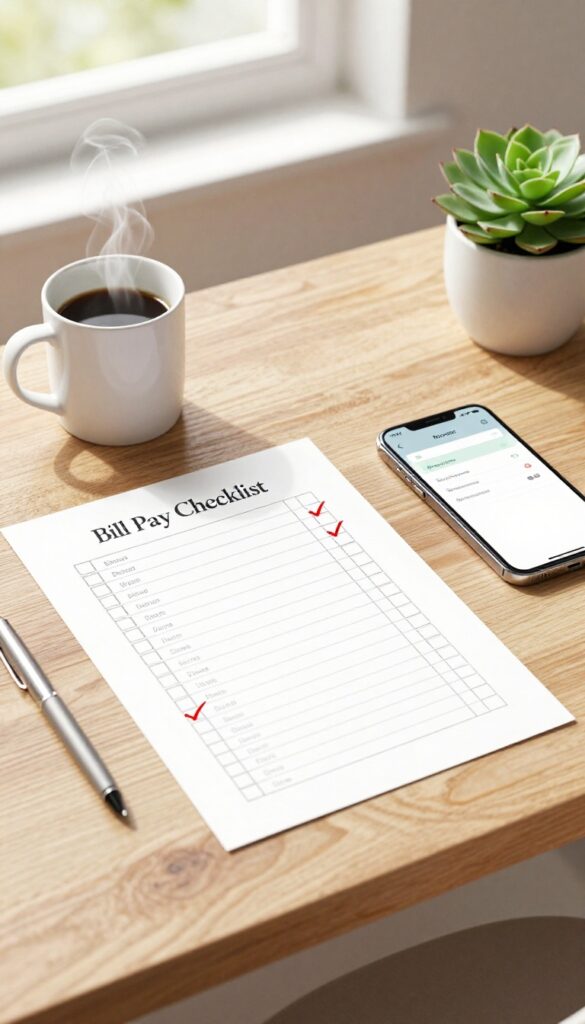
Some people thrive on the satisfaction of crossing things off a list. If that sounds like you, the bill pay checklist is a no-brainer. Print a simple monthly checklist with every bill you need to pay, then check off each one as you go.
It's tactile, visual, and almost impossible to mess up.
This method works because it turns a mental burden into a physical action. You're not just remembering—you're doing. Plus, seeing a fully checked-off list at the end of the month is oddly satisfying.
It's a small win that keeps you motivated.
What To Include On Your Checklist
List every recurring bill: rent/mortgage, utilities, subscriptions, insurance, loans, and any irregular expenses like annual fees. Leave a checkbox next to each one. You can also add columns for the due date, amount, and payment method to keep everything in one place.
How To Make It A Habit
Print a fresh checklist at the start of each month and pin it somewhere visible—your fridge, desk, or bulletin board. Set a recurring reminder on your phone to check it weekly. The key is consistency: once it becomes routine, you'll never miss a payment.
Customize For Your Style
If plain lists bore you, add a bit of flair. Use colored pens for different bill categories, or add a reward column where you treat yourself when you check off everything on time. The checklist is yours—make it fun enough that you actually want to use it.
6. Automatic Alerts from Your Bank
Let your bank do the reminding for you. Most banks and credit unions offer customizable alerts that ping you via text or email when certain events happen in your account. It's a hands-off way to stay on top of bills without adding another app or spreadsheet to your routine.
Set up alerts for low balances, large transactions, or upcoming bill payments. You choose the thresholds and frequency. Once configured, they run silently in the background.
No extra work, just timely notifications that help you avoid overdrafts and late fees.
Which Alerts Matter Most
Focus on the alerts that directly impact your bill paying. Low balance alerts warn you when funds are running thin, so you can transfer money before a payment bounces. Large transaction alerts flag anything over a set amount, helping you catch errors or fraud early.
Some banks even offer scheduled payment reminders for recurring bills.
How To Set Them Up
Log into your online banking portal or mobile app and look for the alerts or notifications section. You can usually choose between text message, email, or push notification. Start with one or two alerts, like a low balance alert set to $100 above your typical minimum.
Adjust as you get comfortable.
7. Dedicated Bill Pay Account
A dedicated bill pay account is like giving your bills their own home. Open a separate checking account just for recurring payments, then automate transfers from your main account on payday. This way, the money for bills is already set aside before you can spend it on anything else.
The beauty of this system is its simplicity. You only need to check one account to know if all your bills are covered. No more mental math or worrying about accidentally spending rent money on takeout.
It's a set-it-and-forget-it approach that reduces financial stress.
How To Set It Up
Start by opening a free checking account with no monthly fees. Many online banks offer these. List all your monthly bills and their due dates, then schedule automatic transfers from your main account to the bill account right after each paycheck arrives.
Make sure the total transferred covers all bills due before the next payday.
Stay On Top Of Due Dates
Even with automation, you need to know when money leaves the bill account. Set up alerts for low balances or upcoming payments. Review the account once a week to catch any unexpected charges.
This keeps you in control without micromanaging every transaction.
Benefits Beyond Organization
This method also helps with irregular bills like insurance or annual subscriptions. Just divide the annual cost by 12 and include that amount in your monthly transfer. Over time, the dedicated account builds a small buffer that can cover surprise expenses without dipping into your spending money.
8. The Rolling List on Your Phone
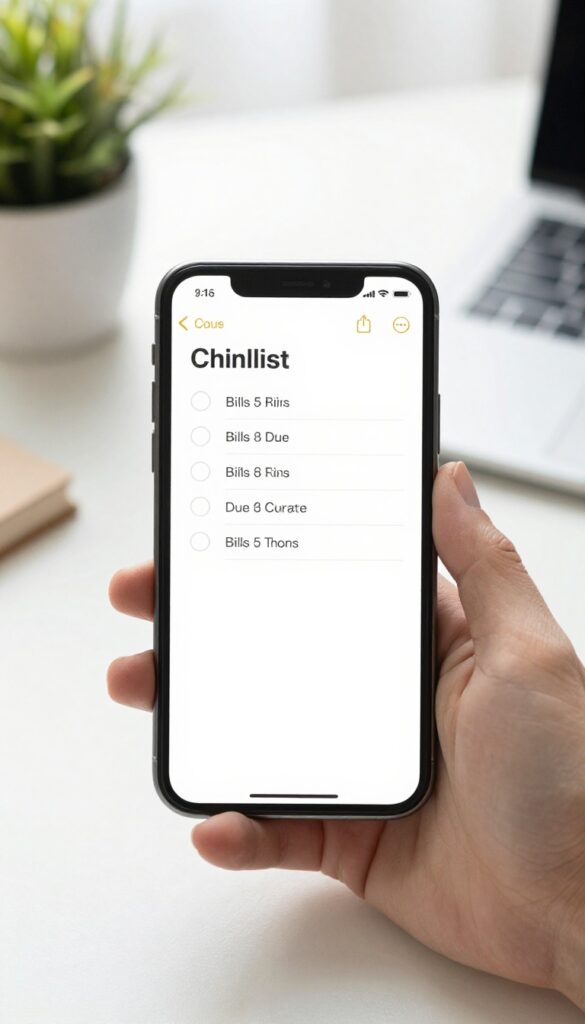
Your phone is always with you, so why not put your bill tracker there too? A simple rolling list in a notes app keeps everything in one place without needing a special app or a spreadsheet. You can update it anytime, anywhere, and it's easy to customize.
Open your favorite notes app—Apple Notes, Google Keep, or any other—and create a new note. List all your bills with their due dates and typical amounts. As you pay each one, mark it off or move it to a "paid" section.
Keep the list at the top of your note for quick access.
Set Up Your Rolling List
Start by listing every bill you have, including subscriptions and irregular expenses. Use a simple format like "Electric – 15th – $75. " Add a checkbox next to each item so you can tap to mark it done.
For variable bills, update the amount each month.
Keep It Updated
After paying a bill, check it off and move it to a "Paid" section at the bottom of the note. Add new bills as they come up. Review the list weekly to make sure nothing slips through the cracks.
Bonus Tips For Better Tracking
Use different colors or emojis to categorize bills (e. g. , 💡 for utilities, 🏠 for rent). Set a recurring reminder to check your list every few days. If you share expenses, use a shared note so everyone stays in the loop.
9. Bill Tracker App (Mint, YNAB, Prism)
If you'd rather let technology do the heavy lifting, a dedicated bill tracker app is your best bet. Apps like Mint, YNAB, and Prism sync directly with your bank accounts, credit cards, and loans, pulling in all your bills automatically. They categorize spending, send reminders before due dates, and even track your payment history.
Perfect for anyone who wants a hands-off approach with powerful analytics.
These apps turn bill tracking into a set-it-and-forget-it system. You get a dashboard that shows upcoming payments, past due dates, and spending trends. Most also let you pay bills directly from the app, saving you from logging into multiple sites.
The trade-off? You need to trust the app with your financial data, and some features require a subscription.
Auto-sync And Categorization
Once you link your accounts, the app automatically imports transactions and sorts them into categories like utilities, subscriptions, or loans. You can set custom labels and flags for irregular bills. This saves hours of manual entry and reduces errors.
Smart Reminders And Alerts
Get push notifications, emails, or texts a few days before each bill is due. Some apps even warn you if your account balance is low. You can also set recurring reminders for annual or semi-annual bills that are easy to forget.
Budgeting And Analytics
Beyond tracking, these apps show spending patterns over time. Mint offers free credit score monitoring, YNAB focuses on zero-based budgeting, and Prism specializes in bill pay. Use the insights to adjust your budget and identify areas where you can cut back.
10. Whiteboard in Your Home Office
If you're someone who needs to see things to remember them, a whiteboard in your home office can be a game-changer. It turns your bill tracking into a visual, interactive task that's hard to ignore. Plus, it gets the whole family on the same page.
Mount a small whiteboard where you'll see it every day—above your desk, next to your monitor, or on a nearby wall. Write down each bill, its due date, and the amount. Use different colors for different categories (utilities, subscriptions, loans) to make it even clearer.
At the start of each month, erase everything and start fresh. This method works especially well if you share financial responsibilities with a partner or roommate, because everyone can see what's coming due.
Why It Works
The whiteboard is always there, demanding your attention. You can't swipe it away or ignore a notification. It creates a constant visual reminder that keeps bills top of mind.
And because you physically write and erase, the act of tracking becomes more memorable.
Make It A Family Habit
Put the whiteboard in a common area like the kitchen or hallway if your home office isn't shared. Assign each family member a color marker for their bills. Hold a quick 5-minute meeting every Sunday to update the board.
It turns bill tracking from a solo chore into a team effort.
Level It Up
Use a monthly calendar whiteboard instead of a plain one. Add a section for notes or reminders about variable bills. You can also attach a dry-erase marker holder right to the board so you never lose your pen.
For extra organization, draw columns for "Bill, " "Due Date, " "Amount, " and "Paid. "
11. The Bill Binder System
If you're the type who likes to flip through pages and physically check things off, the Bill Binder System is for you. It's a simple, low-tech way to keep every bill, receipt, and due date in one place. No apps, no notifications—just a binder and a bit of routine.
Grab a three-ring binder and a pack of clear sheet protectors. Print out a monthly calendar, your bill statements, and a payment log. Slip each into a protector, and you've got a portable command center for your finances.
When a bill is paid, mark it on the log and file the statement away. At the end of the month, you can archive the pages or start fresh.
What You'll Need
A one-inch binder, tab dividers, clear sheet protectors, and a hole punch. Print a blank monthly calendar and a simple payment log (date, bill name, amount, status). That's it—no fancy supplies required.
How To Set It Up
Label tabs for each month or each bill type (utilities, subscriptions, credit cards). Insert the calendar at the front, then add bill statements behind their tabs. Keep a pen in the binder ring so you can update the log on the go.
Why It Works
Seeing everything laid out on paper reduces mental clutter. You can flip through and spot a missed payment instantly. Plus, the physical act of checking off a paid bill feels satisfying and reinforces good habits.
12. Email Folder Trick
Emails about bills can clutter your inbox and make it easy to miss a due date. Instead of digging through a mess of messages, set up an automated system that does the sorting for you. This trick takes just a few minutes to configure and saves you time every single month.
Create an email filter that automatically moves all bill-related emails—statements, receipts, payment confirmations—into a dedicated folder. Then, schedule a weekly review to open that folder and update your tracker with what's due. It's a simple way to keep everything organized without manual effort.
Setting Up The Filter
In your email settings, create a new filter that looks for common bill-related keywords like "statement, " "invoice, " "payment due, " or the names of your regular billers (e. g. , "Electric Company"). You can also add sender addresses for each service. Apply the filter to send matching emails directly to a folder named "Bills" or "Bill Tracker.
"
Weekly Review Routine
Pick a consistent day and time each week—say, Sunday evening—to open your Bills folder. Quickly scan each email for the amount due and the due date, then add or update those details in your bill tracker. This habit takes only 10–15 minutes and ensures nothing slips through the cracks.
13. Sticky Note Dashboard
There's something satisfying about physically moving a bill from "to do" to "done. " A sticky note dashboard gives you that tactile feedback without any setup cost. All you need is a pack of sticky notes, a pen, and a wall or desk space you see every day.
It's low-tech, highly visual, and oddly motivating.
Write each bill on its own sticky note with the due date and amount. Arrange them in a grid or timeline on a wall, whiteboard, or desk. As you pay each bill, move the note to a "Paid" or "Done" zone.
The visual progress keeps you on track, and the physical act of moving notes reinforces the habit. Replace or update notes as bills change.
Set Up Your Dashboard
Pick a spot you pass daily—like a wall near your desk or the fridge. Create three columns: "Upcoming, " "Due Soon, " and "Paid. " Write each bill's name, amount, and due date on a separate sticky.
Color-code by category (e. g. , pink for utilities, blue for subscriptions) for extra clarity.
Keep It Current
Every time you pay a bill, move its sticky to the "Paid" column. At the start of each month, clear the paid notes and add new ones. If a bill amount changes, just rewrite that note.
This system adapts easily to irregular bills like quarterly insurance.
Why It Works
The dashboard turns abstract due dates into a physical, visible system. You get a quick sense of your month at a glance, and the satisfaction of moving notes keeps you engaged. No app notifications, no logins—just you and your sticky notes.
14. The Two-Week Pay Period Method
If your paychecks arrive every two weeks, this method turns your pay schedule into a bill-paying rhythm. Instead of tracking 30 different due dates, you only need to remember two: the first and second half of the month. The idea is simple.
Right after each paycheck, you pay all the bills that fall in that pay period. No more worrying about whether you'll have enough money left when a bill comes due three weeks later. You pay what's owed immediately, and the rest of your money is yours to spend or save.
This method works best if you can split your bills into two roughly equal groups. Start by listing every bill and its due date. Then sort them into two buckets: bills due from the 1st to the 15th, and bills due from the 16th to the end of the month.
If a bill's due date falls exactly on the 15th or 16th, pick whichever side feels more natural. When you get your first paycheck of the month, pay all the bills in the first bucket. When the second paycheck arrives, pay the second bucket.
If a bill is due before your first paycheck, you might need to shift it to the previous pay period. Over time, you'll develop a rhythm that aligns perfectly with your cash flow.
Setting Up Your Buckets
Grab your bank statement or bill tracker and list every recurring bill. Note the due date and amount. Then create two columns: "Pay Period 1" (days 1-15) and "Pay Period 2" (days 16-31).
Assign each bill to the column where its due date falls. If a bill's due date is flexible, you can move it to balance the amounts.
Handling Irregular Paychecks
If your pay dates vary (like every other Friday), use a calendar to map out the next six months. Mark each paycheck date and then assign bills to the period after that paycheck. Some months you'll get three paychecks—use that extra one for savings or a debt payment.
Staying On Track
Set up automatic payments for the bills in each bucket to go out the day after your paycheck arrives. Or schedule a weekly reminder to manually pay them. Check your tracker once a month to make sure nothing slipped through.
15. Subscription Manager (Truebill, Bobby)
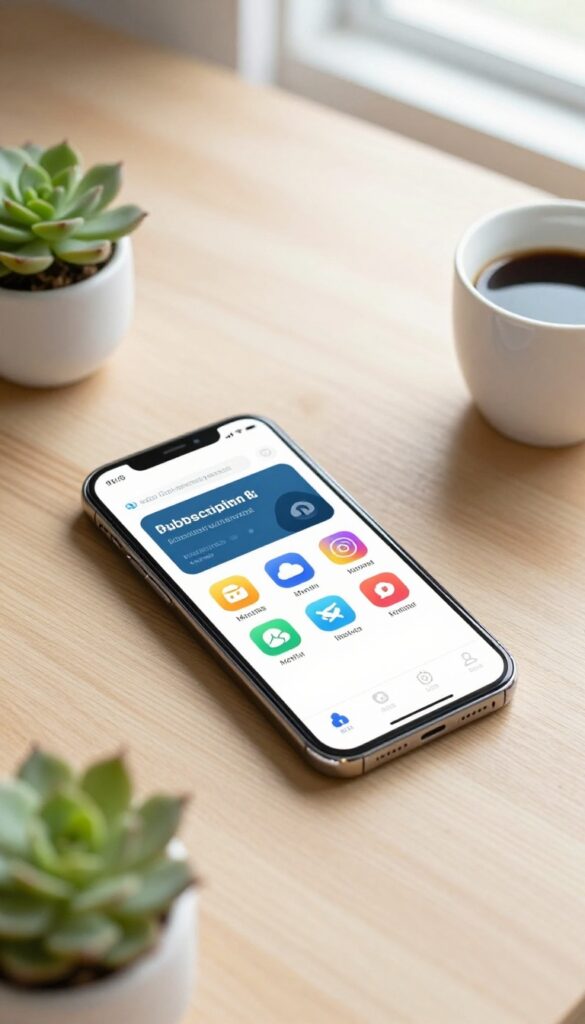
Streaming services, cloud storage, fitness apps—subscriptions pile up fast. A subscription manager app like Truebill or Bobby tracks every recurring charge in one place, so you can see exactly where your money goes each month. It’s a simple way to stop paying for things you forgot you had.
These apps connect to your bank account or let you manually log subscriptions, then categorize them by type and frequency. You get a clean dashboard showing total monthly spend, upcoming charges, and renewal dates. Some even negotiate lower bills on your behalf.
It’s a small effort that can save you hundreds a year.
Spot Unused Subscriptions
Truebill scans your transaction history to find subscriptions you may have forgotten. It highlights ones you haven’t used in months, making it easy to cancel with one tap. Bobby lets you manually add services and mark them as active or paused.
Free Trial Alerts
Nothing drains a budget like an auto-renewed free trial. These apps send reminders before the trial ends, so you can decide whether to continue or cancel. No more surprise charges for that meal kit you tried once.
Track Annual Vs. Monthly
Some subscriptions charge yearly, which can sneak up on you. The app shows both monthly and annual costs clearly, helping you plan for bigger bills. You can also compare the annual rate to monthly to see if switching saves money.
16. The Bill Pay Jar
This method is as simple as it gets—and surprisingly effective. You decorate a jar for each regular bill, then drop in the exact amount in cash every time you get paid. When the due date rolls around, the money is already sitting there, ready to go.
It works especially well for variable bills like utilities, where the amount changes month to month.
The Bill Pay Jar turns budgeting into a hands-on, visual habit. Instead of tracking numbers on a screen, you physically see the cash pile up. It's a great way to stay on top of variable expenses because you can adjust the amount you put in each pay period based on last month's usage.
Plus, having the cash set aside means you're never caught off guard by a higher-than-expected bill.
Set It Up
Grab a jar or container for each bill you want to track—utilities, internet, insurance, whatever. Label it clearly with the bill name and due date. Decorate it if you want, but the key is to keep it somewhere visible, like on a shelf or counter.
When you get paid, pull out the cash and drop it in. No need to calculate totals—just put in what you owe.
Stay Flexible
Variable bills can be tricky because the amount changes. The jar system handles this easily: after you receive a bill, put in the exact amount. If you have a rough idea of the average, you can put in a little extra to be safe.
Any leftover cash can roll over to next month or go into savings. It's forgiving and low-pressure.
Pay And Reset
When the bill is due, take the cash out of the jar and pay it—online, by mail, or in person. Then the jar is empty and ready for the next cycle. This creates a clean, repeatable routine that takes the mental load off.
You never have to wonder if you have enough money set aside.
17. Shared Google Sheet with Partner
When two people share household expenses, bill tracking can get messy fast. A shared Google Sheet solves that by giving both partners live access to the same information. No more asking "Did you pay the electric bill?
" or wondering who bought the groceries.
Set up columns for bill name, due date, amount, status, and notes. Each person marks bills as paid and adds a note like "Paid on the 5th from my account. " The sheet updates instantly, so you always know where things stand.
Add a column for who paid what—helpful when splitting costs or tracking contributions.
Live Collaboration
Both partners can edit the sheet at the same time. No more emailing files back and forth or waiting for updates. Changes appear instantly, so you always see the latest status.
Notes And Accountability
Add a notes column for payment methods, confirmation numbers, or reminders. You can also color-code rows: green for paid, yellow for pending, red for overdue. Keeps everyone accountable and reduces double payments.
Customizable For Your Needs
Tailor columns to your situation. Track shared bills, individual subscriptions, or irregular expenses. Use dropdown menus for status or conditional formatting to highlight upcoming due dates.
It's free and works on any device.
18. The 'Bill Day' Routine
Friday afternoons used to feel like a countdown to freedom. Now they also signal bill time—but in a good way. By designating one day each week to handle upcoming payments, you transform a scattered chore into a predictable ritual.
The key is pairing it with something you enjoy, like a fancy coffee or a favorite podcast, so the association becomes positive.
Pick a consistent day—Friday works well because it closes out the workweek. Gather all bills due in the next seven days, pay them, and mark them off. The treat (a latte, a 10-minute break, a piece of dark chocolate) reinforces the habit.
Over time, your brain stops dreading bill day and starts looking forward to the reward.
Why It Works
Habit stacking is the secret. You already have a Friday routine—now you're adding one small task before the reward. The weekly cadence catches bills before they're due, so you never scramble.
Plus, seeing a week's worth of payments disappear in one sitting feels productive.
Making It Stick
Set a recurring phone alarm for your chosen day and time. Keep a list of upcoming bills (or use a tracker) within arm's reach. Start with a 15-minute time box; you'll likely finish faster.
If you miss a week, don't stress—just pick it up the next Friday.
Customize Your Treat
Your reward doesn't have to be coffee. Try a 5-minute dance break, a walk around the block, or an episode of your favorite show. The key is consistency: same day, same treat, same feeling of accomplishment.
19. Voice Assistant Reminders

Your smart speaker can be the ultimate bill tracker. Set up a quick voice command and let Alexa, Google Assistant, or Siri handle the remembering. It's hands-free, frictionless, and perfect for anyone who's always on the go.
Voice assistants turn a simple reminder into a reliable system. You don't need to open an app, check a calendar, or write anything down. Just say the words, and your device takes care of the rest.
It's especially useful for bills that fall on the same date each month, like rent or car payments.
Setting Up Recurring Reminders
Most voice assistants support recurring reminders. For example, say 'Hey Google, remind me to pay the electric bill on the 15th of every month. ' You can also set specific times, like 'Alexa, remind me to pay the water bill at 9 AM on the 1st. ' Once it's set, you'll get a nudge without lifting a finger.
Using Routines For Multiple Bills
Create a routine that fires off several reminders at once. For instance, on the 1st of the month, have your assistant list all bills due in the next two weeks. Or set a weekly 'bill check' to review upcoming payments.
This turns a scattered list into a predictable habit.
Hands-free Confirmation
After paying, say 'Alexa, mark the electric bill as done' or use a simple note. Some assistants let you add items to a shopping list or to-do list, which you can check later. This gives you a quick way to track what's paid without opening an app.
FAQ
What is the best bill tracker method for beginners?
Start with a simple spreadsheet or a checklist. Both are free, easy to set up, and give you immediate visibility into your bills without overwhelming you.
Can I use a bill tracker for irregular or annual bills?
Absolutely. List them with their due dates and amounts. For annual bills, divide the total by 12 and set aside that amount each month so you're ready when the bill arrives.
How do I choose between a digital app and a paper system?
Think about your habits. If you always have your phone, an app works. If you prefer writing things down, a bullet journal or binder might stick better.
Pick what you'll actually use.
What should I do if I miss a bill payment?
Pay it as soon as you realize. Contact the company to ask about late fee waivers (many will do this once). Then review your tracker to see why it slipped and adjust your system.
How often should I update my bill tracker?
Update it whenever you pay a bill or receive a new statement. A quick weekly check-in (10 minutes) keeps everything current and prevents surprises.
Conclusion
A bill tracker doesn't have to be complicated to be effective. The best system is the one you'll actually stick with, whether that's a high-tech app or a simple sticky note on your fridge. Start with one idea from this list and use it for a month.
Tweak as you go. Soon, tracking bills becomes second nature, and you'll wonder how you ever managed without it. Your budget—and your peace of mind—will thank you.
Free PDF Download
Get the Free Budget Binder Starter Pack
Download simple printable budget sheets to plan your monthly money, track expenses, organize bills, and start building better money habits without feeling overwhelmed.
You’ll get this free PDF plus access to the full Marketerna Save More & Earn More PDF Kit. No spam. Unsubscribe anytime.