17 Easy Ways to Make Saving Money Automatic
Imagine your savings account growing while you sleep, without you lifting a finger. That's the power of automation. By setting up systems that move money before you can spend it, you remove temptation and make saving a habit that happens on autopilot.
You don't need willpower or a strict budget to save more. The secret is to make the process invisible. When saving is automatic, you adapt quickly and barely notice the money is gone.
These 17 methods range from simple bank features to clever apps. Pick the ones that fit your life, set them up once, and watch your savings stack up effortlessly.

Free PDF Download
Not Sure Which Side Hustle Fits You Best?
Take the free Side Hustle Matchmaker Quiz and get a simple 7-day starter plan to help you choose a beginner-friendly idea based on your time, skills, comfort level, and goals.
You’ll get this free PDF plus access to the full Marketerna Save More & Earn More PDF Kit. No spam. Unsubscribe anytime.
1. Direct Deposit a Portion Into Savings
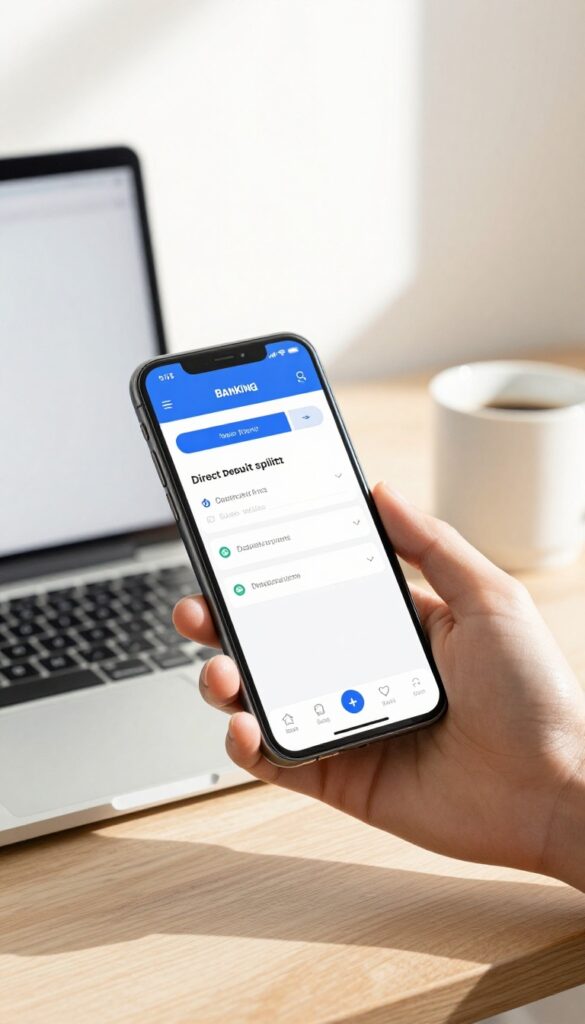
The easiest way to save without thinking is to have your paycheck do the work for you. Most employers let you split your direct deposit into multiple accounts. By routing a fixed amount or percentage straight to savings, you remove the chance to spend it.
Out of sight, out of mind—and into your future.
Set up a split direct deposit with your HR or payroll provider. Choose a percentage (like 10%) or a flat dollar amount that goes to savings. The rest lands in checking for bills and spending.
You'll adjust to living on less within a month or two.
Start Small And Increase Later
If you're new to saving, begin with 1% or 2%. You won't feel a pinch, but you'll build the habit. Every few months, bump it up by another percent.
Before you know it, you're saving 10% or more without ever missing the cash.
Use A Separate Bank For Savings
Open a high-yield savings account at a different bank than your checking. This adds a small hurdle to withdraw, making impulse raids less likely. Out of sight really works when the money isn't in your usual banking app.
2. Schedule Recurring Transfers on Payday
Payday feels great, but that money can disappear fast if you're not careful. The trick is to move a chunk to savings before you even see it. Set up an automatic transfer from your checking to your savings account for the same day your paycheck arrives.
Treat it like a bill—one you're paying to your future self.
By automating the transfer, you remove the temptation to spend that money. You'll adjust to living on slightly less, and your savings will grow without any extra effort on your part.
Pick The Right Amount
Start with a number that feels manageable—maybe $50 or $100 per paycheck. You can always increase it later. The key is to make it painless so you don't feel the need to cancel the transfer.
Align With Your Pay Schedule
If you get paid weekly, biweekly, or monthly, set the transfer for the same day. Some banks let you schedule recurring transfers down to the exact date. Use that feature to make sure the money moves the moment your paycheck lands.
Use A Separate Savings Account
Keep your automated savings in a different account from your everyday checking. This adds a small barrier that discourages impulsive withdrawals. Out of sight, out of mind—and into your savings.
Free PDF Download
Not Sure Which Side Hustle Fits You Best?
Take the free Side Hustle Matchmaker Quiz and get a simple 7-day starter plan to help you choose a beginner-friendly idea based on your time, skills, comfort level, and goals.
You’ll get this free PDF plus access to the full Marketerna Save More & Earn More PDF Kit. No spam. Unsubscribe anytime.
3. Use a Round-Up App
Every time you buy coffee, gas, or groceries, spare change is hiding in your transaction. Round-up apps grab those cents and turn them into savings or investments without you feeling a thing. It's one of the easiest ways to save because you never miss the money.
Apps like Acorns or Qapital automatically round up your debit or credit card purchases to the nearest dollar. The difference—usually just a few cents per transaction—gets swept into an investment account or a savings goal. Over a month, those pennies add up to real dollars, and over a year, you might be surprised by the total.
The setup takes about five minutes: link a card, choose a round-up rule, and pick where the money goes. Some apps even let you add a small multiplier, like doubling or tripling the round-up, to accelerate your savings. It's painless, automatic, and builds a habit of saving without any willpower.
How Round-up Apps Work
When you spend $4. 50 on a latte, the app rounds it to $5. 00 and invests the $0.
- That spare change goes into a diversified portfolio (if you choose an investing app) or a high-yield savings account. You can also set rules like rounding up only on certain days or capping the total per day.
Which App Should You Pick?
Acorns is great for beginners who want to invest spare change automatically. Qapital offers more flexibility with savings rules (like rounding up plus a weekly transfer). If you prefer a simple savings account, look for a bank that offers round-ups natively, like Chime or Bank of America.
Tips To Maximize Round-ups
Link your most-used card—the one you swipe for daily expenses. Consider enabling the multiplier feature (e. g. , 2x or 3x) to double your savings speed. And check in monthly to see your progress; it's motivating to watch those nickels and dimes grow.
4. Automate Your 401(k) or IRA Contributions
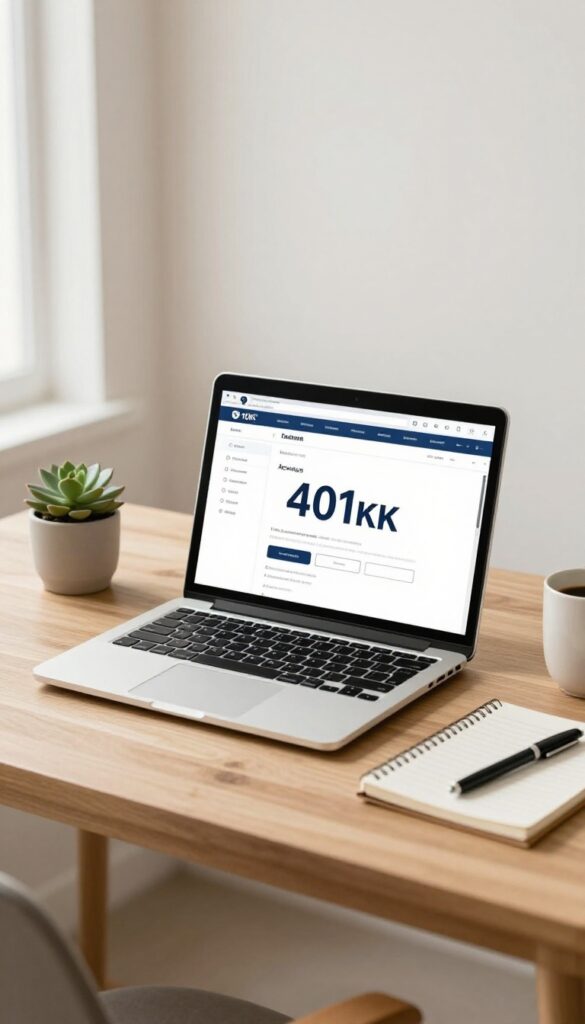
Retirement might feel far away, but the easiest way to build a nest egg is to make contributions automatic. When the money leaves your paycheck or bank account before you see it, you simply adjust to living on less. Future you will be grateful.
Set it and forget it. That's the beauty of automated retirement contributions. Most employer plans let you deduct a percentage of each paycheck directly into your 401(k).
For IRAs, you can schedule monthly transfers from your checking account. The key is to start now and increase the amount whenever you get a raise.
Pay Yourself First
Treat your retirement savings like a non-negotiable bill. By automating the transfer on payday, you ensure you're saving before you have a chance to spend. Even 5% of your income can grow significantly over time, especially with employer matching.
Escalate Your Savings Automatically
Many 401(k) plans offer an auto-escalation feature that increases your contribution by 1% each year. If yours doesn't, set a calendar reminder to bump it up manually every six months. Small increments add up without a painful hit to your take-home pay.
Don't Leave Free Money On The Table
If your employer offers a 401(k) match, contribute at least enough to get the full match. That's an instant 100% return on your money. Automating ensures you never miss out because of forgetfulness or procrastination.
Free PDF Download
Not Sure Which Side Hustle Fits You Best?
Take the free Side Hustle Matchmaker Quiz and get a simple 7-day starter plan to help you choose a beginner-friendly idea based on your time, skills, comfort level, and goals.
You’ll get this free PDF plus access to the full Marketerna Save More & Earn More PDF Kit. No spam. Unsubscribe anytime.
5. Set Up a Separate High-Yield Savings Account
A standard savings account at your main bank might earn next to nothing in interest. By opening a separate high-yield savings account online, you can earn significantly more while keeping your savings out of sight. Automating transfers to that account makes the process effortless and reduces the temptation to dip into the money.
The key is to treat this account like a bill—set up an automatic transfer from your checking account right after each payday. Even a small amount, like $50 per paycheck, adds up over time. Because the account is separate from your everyday bank, you won't see the balance when you log in to check your spending money, which helps you forget it's there.
Why High-yield Matters
Online banks often offer interest rates 10 to 20 times higher than traditional brick-and-mortar banks. Over a year, that difference can mean hundreds of extra dollars on a decent balance, with zero extra effort.
Automate The Transfer
Schedule a recurring transfer for the day after your paycheck hits your checking account. Most banks let you set this up online in minutes. Treat it like a non-negotiable expense—your future self will thank you.
Out Of Sight, Out Of Mind
Don't link this account to your debit card or set up easy transfers back to checking. The small friction of waiting a business day for a withdrawal can stop impulse spending and keep your savings intact.
6. Use the 52-Week Money Challenge Automator
The classic 52-week money challenge is a proven way to save over a thousand dollars, but it requires remembering to transfer cash every week. That's where automation steps in. Several apps now handle the entire process for you, moving money from checking to savings on a set schedule.
You just set it and forget it.
These apps break the challenge into weekly increments, starting with $1 in week one and increasing by a dollar each week. By week 52, you're saving $52, and the total adds up to $1, 378. The automation ensures you never miss a week, so you hit your goal without effort.
How The Automation Works
Apps like Qapital, Digit, and Chime offer 52-week challenge features. You link your checking account, choose the challenge, and the app automatically transfers the weekly amount to a separate savings bucket. Some even let you reverse the challenge (save $52 first, then decrease) if you want to front-load savings.
Why It Works So Well
The gradual increase feels manageable. Saving $1 is easy, and the dollar increments are small enough that you don't feel the pinch. By the time you're saving $50 a week, you've already built the habit.
Automation removes the friction of manual transfers and the temptation to skip a week.
Tips For Success
Set up the challenge to run on payday so the money moves before you can spend it. If your app allows, enable rounding-up features to add extra savings from everyday purchases. And don't worry if you miss a week—most apps let you catch up automatically.
7. Automate Bill Payments to Avoid Late Fees

Late fees are a silent drain on your budget. A single missed payment can cost $25 to $40, and those add up fast. Automating your bills eliminates the risk entirely, plus it frees up mental energy you'd otherwise spend tracking due dates.
Setting up autopay for recurring bills is a two-minute task that pays off every month. You stop worrying about due dates and late charges. Most banks and service providers offer autopay through your checking account or credit card.
Just choose a payment method, pick the date, and you're done. Once it's set, the system handles the rest.
Choose The Right Payment Method
Link bills to a credit card you pay in full each month to earn rewards and build credit. Or use your checking account for direct debits. Just ensure you have enough funds to avoid overdraft fees.
Some providers offer a small discount for autopay, so check for that perk.
Set Alerts As A Safety Net
Even with autopay, it's smart to get email or text reminders a few days before a payment posts. That way you can review the amount and catch any errors. Most banks let you customize alerts for each bill.
Review And Adjust Quarterly
Bills change—subscriptions go up, plans get modified. Every three months, log into your accounts to confirm the autopay amounts are correct. Cancel any services you no longer use.
This keeps your automation system accurate and your budget on track.
8. Use a Savings App That Transfers Based on Rules
Not all savings apps are created equal. Some require you to manually initiate transfers, which defeats the purpose of automation. But apps like Digit, Qapital, and Chime take a smarter approach: they analyze your spending patterns and automatically move small amounts to savings when you can afford it.
No thinking required. You just connect your account, set a few preferences, and let the algorithm do the heavy lifting.
These apps use rules you set—like rounding up purchases, saving a percentage of each paycheck, or transferring a fixed amount on a schedule. The key is that the transfers happen in the background, so you never have to remember or decide. Over time, those small, frequent transfers add up to significant savings without any effort on your part.
How They Work
Most rule-based savings apps link to your checking account and monitor your income and spending. They use algorithms to determine safe transfer amounts—usually between $5 and $50 per day—that won't overdraw your account. You can often set custom rules like 'save $10 every time I get paid' or 'round up every purchase to the nearest dollar and transfer the difference. '
The Best Part: No Willpower Needed
Because transfers are automatic and based on your actual cash flow, you don't have to think about saving. The app adjusts to your spending habits, so you save more when you have extra and less when you're tight. It's like having a personal savings assistant that never sleeps.
Getting Started
Choose an app that fits your style. Digit is great for hands-off savers, Qapital lets you create fun rules (like saving for a latte every time you skip one), and Chime offers automatic savings from direct deposits. Most are free or have a low monthly fee.
Download one, link your account, and set your first rule today.
9. Enroll in Your Bank's Automatic Savings Program
Your bank probably already has a tool to help you save without thinking. Many banks now offer automatic savings features that link to your debit card or checking account. The best part?
You set it up once and it runs in the background.
Check your bank's mobile app or website for options like "round-ups" or "automatic savings. " These programs typically transfer a small amount—like the spare change from each purchase or a fixed percentage—into your savings account. It's painless because the amounts are tiny, but they add up fast.
How Round-ups Work
Every time you use your debit card, the purchase is rounded up to the nearest dollar, and the difference goes into savings. For example, a $4. 50 coffee triggers a $0.
50 transfer. It's automatic and barely noticeable.
Setting A Fixed Transfer
Some banks let you schedule a recurring transfer from checking to savings, like $25 every week. You can choose the frequency and amount. This works well if you want a predictable savings rate.
Bonus: Bank Incentives
A few banks offer bonuses or higher interest rates when you enroll in automatic savings. Check if yours does—it's free money for doing nothing extra.
10. Set Up a CD Ladder with Automatic Renewals
CDs (certificates of deposit) offer higher interest rates than regular savings accounts, but locking your money away for months or years can feel risky. A CD ladder solves that by spreading your money across multiple CDs with different maturity dates. When you add automatic renewals, the whole system runs on its own.
A CD ladder gives you regular access to some of your money while the rest keeps earning higher rates. Here's how to set it up and make it automatic.
How A Cd Ladder Works
Instead of putting all your savings into one long-term CD, you split it into several smaller CDs with staggered terms. For example, you might have CDs maturing in 6, 12, 18, and 24 months. When the 6-month CD matures, you reinvest it into a new 24-month CD.
Over time, you always have a CD maturing every few months, giving you flexibility and better average returns.
Setting Up Automatic Renewals
Most banks offer an automatic renewal option when you open a CD. Select "renew at maturity" and choose the same term or a different one. To build a ladder, you can set up automatic transfers from your checking account into a new CD every few months.
Some banks even let you schedule recurring CD purchases online.
Choosing The Right Ladder Length
A common ladder uses 6-month, 1-year, 18-month, and 2-year CDs. But you can adjust based on your goals. If you need more frequent access, use shorter terms.
If you want higher rates, lean toward longer terms. The key is to keep the ladder balanced so one CD matures at regular intervals.
11. Use a Cashback Credit Card That Deposits Rewards Into Savings
Your everyday spending can actually help you save. The trick is to choose a cashback credit card that lets you deposit your rewards directly into a savings account. Once it's set up, every purchase you make chips away at your savings goal without any extra effort on your part.
Instead of letting cashback pile up in a statement credit or a random account, route it straight to savings. This turns your regular expenses—groceries, gas, subscriptions—into a passive savings stream. You spend, you earn rewards, and those rewards automatically boost your savings balance.
Pick The Right Card
Look for a card that offers automatic redemption to a savings account. Many major issuers like Citi, Chase, and Capital One allow you to set up recurring transfers. Choose a card with a cashback rate that matches your spending habits—flat-rate cards are simple, while rotating category cards can maximize rewards if you're willing to track them.
Set Up Auto-redemption
Once you have the card, log into your online account and navigate to the rewards section. Select automatic redemption and choose your linked savings account as the destination. You can often set a minimum threshold—say, $25—so transfers happen only when you've earned enough.
After that, it's completely hands-off.
Watch Your Savings Grow
You'll be surprised how quickly cashback adds up. If you spend $1, 000 a month on a 2% cashback card, that's $20 monthly—$240 a year—deposited straight into savings. It's painless because you never see the money in your checking account.
Over time, it becomes a meaningful contribution to your emergency fund or a future goal.
12. Automate Your Emergency Fund Contributions
Your emergency fund is your financial safety net, but it's easy to neglect when life gets busy. The fix? Treat it like a non-negotiable bill.
Set up a recurring transfer for a fixed amount until you reach your goal. This way, you build that cushion without even thinking about it.
Start by deciding how much you want to save—typically three to six months of expenses. Then pick a transfer amount that fits your budget, even if it's just $25 a week. Schedule the transfer for right after payday, so the money moves before you can spend it.
Over time, these small, consistent deposits add up to real security.
Pick Your Target
Calculate your essential monthly costs (rent, food, utilities) and multiply by three to six. That's your goal. Write it down or save it in your banking app as a reminder.
Set The Transfer Amount
Choose an amount you can comfortably spare each week or month. Even $20 per week turns into over $1, 000 in a year. You can always increase it later.
Schedule It After Payday
Automate the transfer for the day your paycheck hits. That way, the money is out of sight before you have a chance to miss it. Most banks let you set this up online in minutes.
13. Use a Budgeting App with Auto-Save Features
Budgeting apps have come a long way from simple expense trackers. Many now include smart automation that moves money into savings based on your goals. You set the target, and the app handles the rest—no manual transfers or complicated spreadsheets needed.
Apps like YNAB (You Need A Budget) and EveryDollar let you create savings goals and automatically allocate a portion of your income each month. The app calculates how much to save based on your budget, so you don't have to do the math. It's like having a financial assistant that never sleeps.
Set Goals And Let The App Do The Work
Start by defining what you're saving for—an emergency fund, a vacation, or a down payment. In YNAB, you can create a goal with a target amount and deadline. The app then tells you exactly how much to set aside each month.
With EveryDollar, you can add a savings line item and fund it automatically from your income.
Link Your Accounts For Seamless Transfers
Both apps allow you to connect your bank accounts. Once linked, you can set up recurring transfers that happen on payday. The money moves to a dedicated savings account before you even see it in your checking.
This 'out of sight, out of mind' approach makes saving effortless.
Track Progress Without The Stress
The apps provide visual progress bars and reports so you can see your savings grow. This keeps you motivated without requiring constant attention. You'll know exactly where you stand, but you won't have to micromanage every dollar.
14. Automate Raises and Bonuses Into Savings
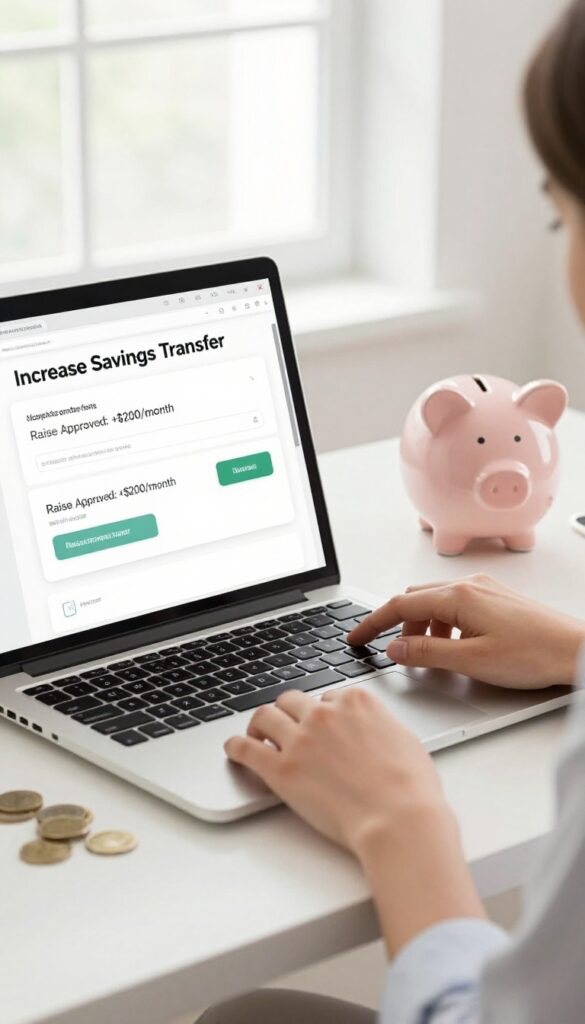
A raise or bonus feels great, but it's also a perfect opportunity to boost your savings without feeling a pinch. The key is to act before you get used to the extra money. By automatically diverting that increase to savings, you skip the lifestyle creep and lock in long-term financial gains.
When you get a raise or bonus, immediately increase your automatic savings transfer by the same amount. You won't miss money you never had.
Set It And Forget It
As soon as you learn about a raise, update your recurring transfer to savings. If your salary goes up by $200 per month, add $200 to your automatic savings. The adjustment takes five minutes, and you'll never see the extra cash in your checking account.
Bonus Rule: Save Half Or All
Bonuses are often unexpected windfalls. Set up a rule to automatically move a percentage—say 50% or 100%—into savings the day the bonus hits. Many banks allow you to create a separate savings goal for bonuses, making the process seamless.
Use Employer Direct Deposit Splitting
If your employer supports split direct deposit, reroute the raise amount directly into savings. That way, the extra money never touches your checking account. You adjust once and enjoy the savings growth without any ongoing effort.
15. Set Up a Separate Account for Irregular Expenses
Irregular expenses like insurance premiums, car registration, or holiday gifts can wreck your budget if you're not prepared. The solution is a sinking fund: a separate savings account dedicated to these predictable but non-monthly costs. By automating small transfers into it, you spread the cost over the year and avoid last-minute scrambling.
A sinking fund turns irregular expenses into manageable monthly chunks. First, list all your annual or semi-annual bills (insurance, property tax, subscriptions, gifts). Total them up, divide by 12, and set up an automatic transfer of that amount each month into a dedicated account.
When the bill arrives, the money is already there.
How To Choose The Right Account
Look for a high-yield savings account with no monthly fees and easy transfer options. Online banks often offer better rates and allow you to create multiple sub-accounts for different sinking funds. Keep it separate from your everyday checking to avoid temptation.
Automating The Transfers
Set up a recurring transfer from your checking account on payday. Even $25 a week adds up. Most banks let you schedule transfers online.
Start with one or two expenses, then add more as you get comfortable.
Tracking And Adjusting
Review your sinking fund balance quarterly. If a bill is higher than expected, increase the monthly transfer. If you have extra, you can redirect it to another goal.
Automation makes this set-it-and-forget-it easy.
16. Use a Micro-Investing App That Automates Deposits
Micro-investing apps make it painless to put money to work in the market. Instead of needing a big lump sum, you can start with just a few dollars. The key is automation: set up recurring transfers and let the app handle the rest.
Apps like Stash or Betterment let you schedule deposits as low as $5. Once you set the frequency and amount, the transfers happen automatically. Over time, those small contributions add up and start earning compound interest.
You barely notice the money leaving your checking account, but your investment account keeps growing.
Pick The Right App For Your Goals
Not all micro-investing apps are the same. Stash lets you choose from themed portfolios (like 'Clean Energy' or 'Tech Giants'), while Betterment uses a robo-advisor to manage your risk. Both offer automatic deposits.
Pick one that matches your comfort level and investment style.
Start Small And Increase Over Time
Begin with a tiny amount, say $5 per week. Once you get used to it, bump it up gradually. Many apps let you increase deposits automatically.
This way you build the habit without feeling a pinch.
Let Compound Interest Work Its Magic
Even small regular contributions can grow significantly thanks to compounding. For example, investing $5 a day at a 7% annual return could grow to over $50, 000 in 20 years. The earlier you start, the more time your money has to multiply.
17. Automate Debt Payments to Free Up Future Savings
Debt feels like a weight, but automation can help you lift it faster. By scheduling extra payments on loans or credit cards, you chip away at the balance without thinking about it. The real magic happens once the debt is gone: redirect that same payment amount straight into savings, and you'll never miss the money.
Set Up Extra Payments Now
Log into your loan or credit card account and schedule an automatic extra payment each month—even $20 helps. Many banks let you choose a fixed amount or a percentage of the balance. Pick a date right after payday so the money moves before you can spend it.
Redirect When Debt Is Gone
Once you pay off a loan, don't let that cash disappear into everyday spending. Set up a new automatic transfer from checking to savings for the same amount. You're already used to living without that money, so your savings will grow effortlessly.
Use A Debt Snowball Or Avalanche
Combine automation with a strategy like the debt snowball (pay smallest balance first) or avalanche (highest interest first). Automate the minimum on all debts, then direct extra payments to one target. As each debt clears, roll that payment into the next one—and eventually into savings.
FAQ
How much should I automate to savings each month?
A good rule is to start with 10% of your income. If that's too much, begin with 1% and increase by 1% each month until you reach a comfortable level.
Can I automate savings if my income varies?
Yes. Use apps that analyze your cash flow and transfer only when you have surplus. Or set a low fixed amount that you can always afford.
Will automating savings affect my credit score?
No, automating savings doesn't directly impact your credit score. However, it can help you pay bills on time, which positively affects your score.
What if I need the money I automated?
Keep an emergency fund in an easily accessible account. For other savings, you can usually pause or adjust automated transfers at any time.
How do I choose the right savings account for automation?
Look for a high-yield savings account with no fees, easy transfer options, and a competitive interest rate. Online banks often offer the best rates.
Conclusion
Automating your savings is the easiest way to build wealth without constant effort. Once you set up these systems, your money works for you in the background. You'll be surprised how quickly small, automatic contributions add up.
Start with just one or two methods from this list.
Maybe it's a direct deposit split or a round-up app. The key is to take action today and let automation do the heavy lifting. Your future self will appreciate the head start.
Free PDF Download
Not Sure Which Side Hustle Fits You Best?
Take the free Side Hustle Matchmaker Quiz and get a simple 7-day starter plan to help you choose a beginner-friendly idea based on your time, skills, comfort level, and goals.
You’ll get this free PDF plus access to the full Marketerna Save More & Earn More PDF Kit. No spam. Unsubscribe anytime.