17 Pinterest Board Ideas for a New Blog
You've launched your blog, but your Pinterest strategy feels like a guessing game. The boards you create can either drive traffic for months or sit untouched.
These 17 board ideas are designed to keep your content organized and your audience engaged. Each one serves a specific purpose, from showcasing your best work to tapping into seasonal trends.
Pick the ones that fit your niche, set them up, and start pinning with intention.
Free PDF Download
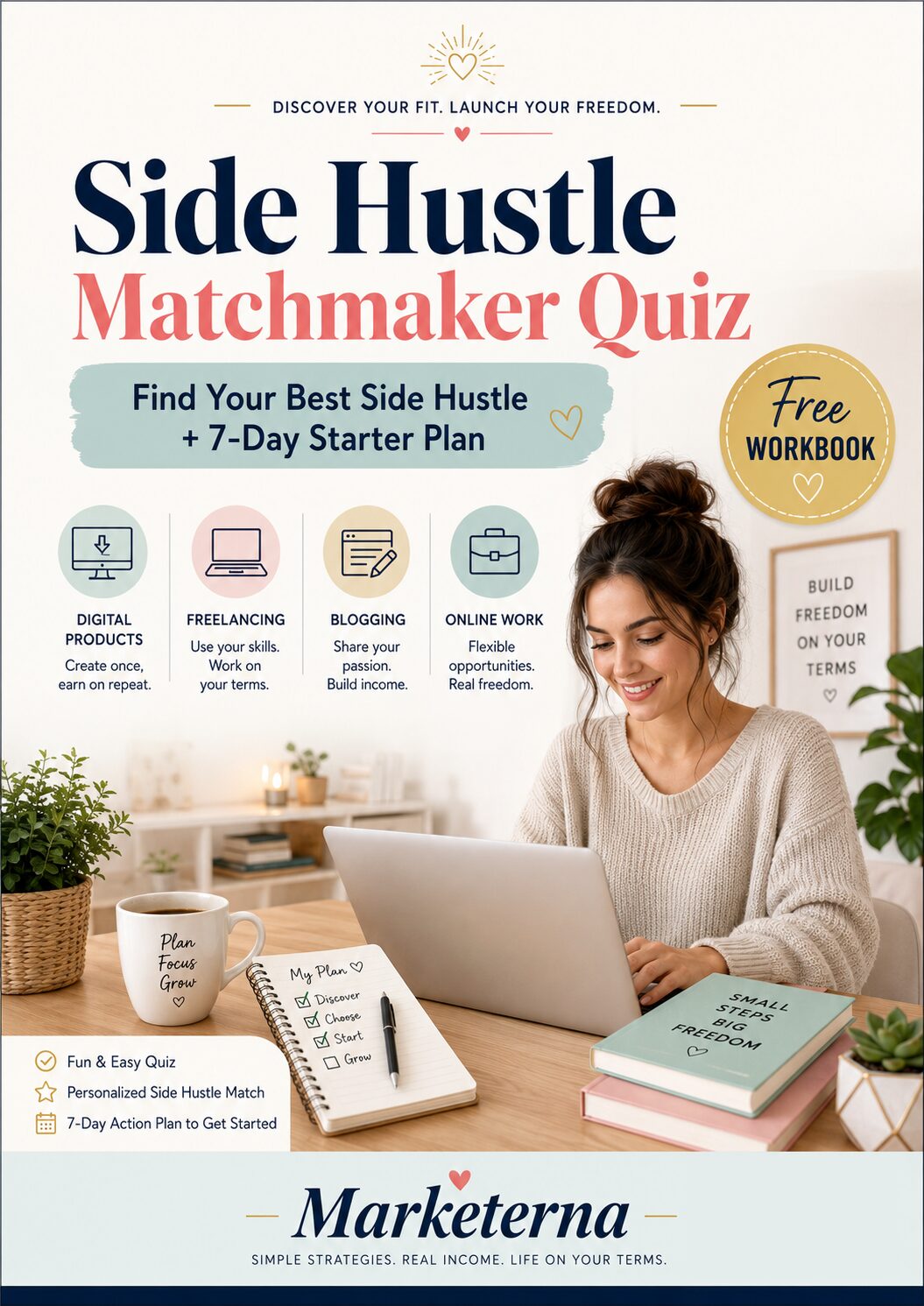
Not Sure Which Side Hustle Fits You Best?
Take the free Side Hustle Matchmaker Quiz and get a simple 7-day starter plan to help you choose a beginner-friendly idea based on your time, skills, comfort level, and goals.
You’ll get this free PDF plus access to the full Marketerna Save More & Earn More PDF Kit. No spam. Unsubscribe anytime.
1. Your Blog's Core Content Board
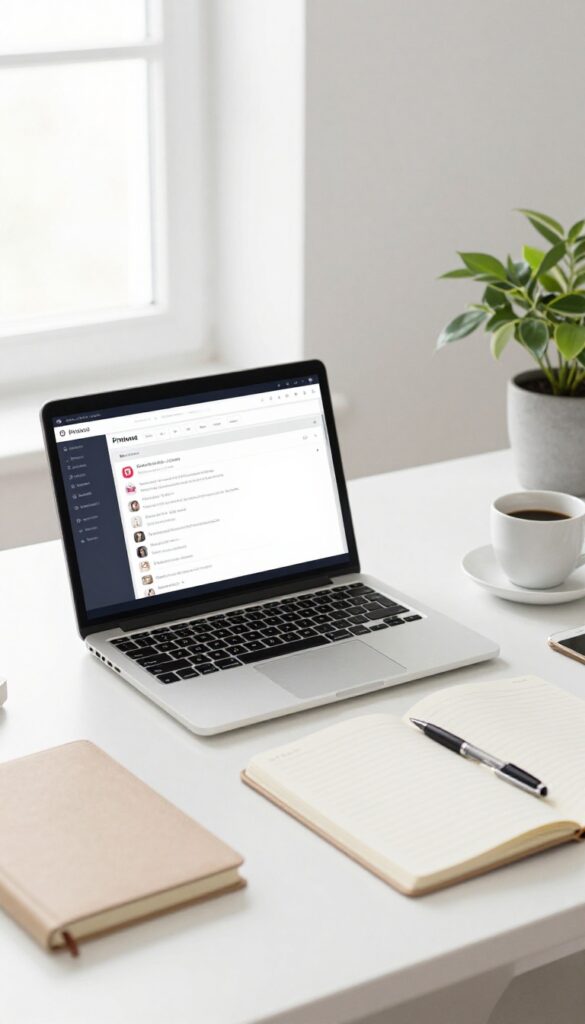
Think of this board as your blog's home base on Pinterest. It's where every single one of your posts lives, organized in a way that makes sense for your readers. When someone lands here, they should instantly see what you're all about and find exactly what they need without digging around.
This board is your most important asset because it showcases your entire body of work. Make sure it's always up to date with your latest posts and arranged by topic or category. Use clear, keyword-rich descriptions for each pin to help people discover your content through search.
Organize By Category
Instead of dumping all your pins in one messy pile, group them into sections within the board. For example, if you run a food blog, you could have sections for breakfast, dinner, desserts, and tips. This makes it easy for visitors to browse what interests them most.
Keep It Fresh
Add new pins regularly as you publish new posts. But don't forget to repin older content too—especially your most popular or evergreen pieces. This keeps your board active and gives old posts a second chance to be seen.
Optimize For Search
Each pin should have a keyword-rich title and description that matches what your target audience is searching for. Use phrases like "easy weeknight dinners" or "beginner yoga poses" so Pinterest can surface your pins to the right people.
2. Niche-Specific Inspiration Board
Instead of only pinning your own content, create a board that collects the best work from other creators in your niche. This shows you're plugged into the community and gives your audience a go-to resource for inspiration. It also encourages others to share your content when you include theirs.
Curate With Purpose
Don't just repin everything you see. Choose pins that align with your blog's style and values. Aim for a mix of popular and underrated creators to keep the board fresh and supportive.
Engage And Get Noticed
When you pin someone's content, they often get a notification. This can lead to them checking out your profile and possibly pinning your work in return. It's a simple way to build relationships.
Keep It Organized
Use sections within the board to group similar topics. For example, if you're a food blogger, you could have sections for 'Quick Meals, ' 'Desserts, ' and 'Healthy Eats. ' This makes it easy for followers to find what they need.
Free PDF Download
Not Sure Which Side Hustle Fits You Best?
Take the free Side Hustle Matchmaker Quiz and get a simple 7-day starter plan to help you choose a beginner-friendly idea based on your time, skills, comfort level, and goals.
You’ll get this free PDF plus access to the full Marketerna Save More & Earn More PDF Kit. No spam. Unsubscribe anytime.
3. Behind the Scenes of Your Blog
People love seeing the real person behind a blog. A behind-the-scenes board pulls back the curtain on your workspace, tools, and creative process. It makes your brand feel human and approachable, which builds trust with your audience.
This board is all about authenticity. Share photos of your desk setup, your favorite notebook, or the coffee mug that never leaves your side. You can also pin posts about productivity hacks, time management tips, or how you brainstorm ideas.
The goal is to let your personality shine through and show that you're a real person, not just a content machine.
Your Workspace Vibe
Pin photos of your actual workspace, whether it's a home office, a corner of the living room, or a coffee shop table. Include shots of your desk, lighting, and any decor that inspires you. This gives followers a peek into your daily environment and makes them feel connected.
Tools & Gear You Love
Share the equipment and software you rely on, like your camera, microphone, editing apps, or scheduling tools. Pin product reviews, tutorials, or comparison guides from other creators. This positions you as a helpful resource and can even lead to affiliate income.
Your Creative Rituals
Show how you get into the zone, whether it's a morning routine, a playlist, or a specific note-taking method. Pin quotes that motivate you or articles about overcoming creative blocks. These personal touches make your board feel unique and relatable.
4. Products You Love or Recommend
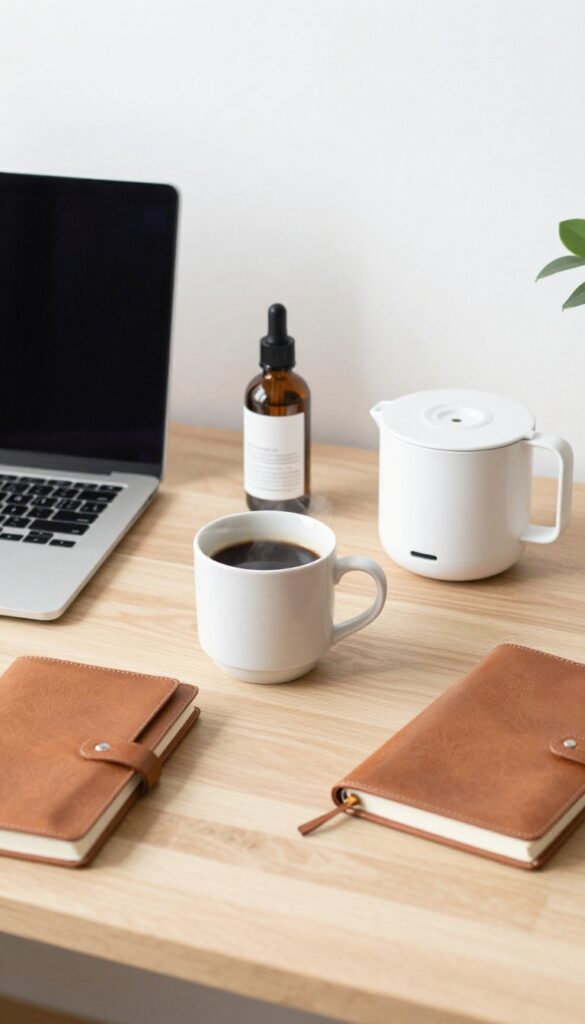
This board is where your blog meets your shopping habit—in a good way. By pinning products you genuinely use and love, you can earn affiliate commissions while helping your audience discover solutions they actually need. It’s a win-win that builds trust and income over time.
Start by listing items you already own and rave about—kitchen gadgets, skincare favorites, or productivity tools. Add affiliate links to your blog posts or direct product pages. Keep the board organized with sections like “Home Favorites” or “Beauty Staples” so visitors can easily browse.
Update it regularly with new finds to keep it fresh.
How To Choose Products
Stick to things you’ve personally tested and would recommend to a friend. Authenticity matters more than commission rates. Think about your audience’s pain points: a slow cooker for busy moms, a budget planner for freelancers, or a cozy throw for homebodies.
Affiliate Link Best Practices
Disclose affiliate links clearly—Pinterest allows it, and your audience will appreciate the honesty. Use trackable links from programs like Amazon Associates or ShareASale. Create a dedicated blog post rounding up your top picks, then pin individual products from that post.
Board Maintenance Tips
Remove outdated or discontinued items every few months. Pin seasonal products ahead of time (e. g. , holiday gifts in October). Mix in your own photos with product shots for a personal touch.
Free PDF Download
Not Sure Which Side Hustle Fits You Best?
Take the free Side Hustle Matchmaker Quiz and get a simple 7-day starter plan to help you choose a beginner-friendly idea based on your time, skills, comfort level, and goals.
You’ll get this free PDF plus access to the full Marketerna Save More & Earn More PDF Kit. No spam. Unsubscribe anytime.
5. How-To and Tutorials
Your audience lands on your blog because they want to learn something. A board dedicated to step-by-step guides—yours and others'—turns Pinterest into a searchable library. It's the kind of board people save and come back to again and again.
This board becomes a go-to resource for your audience's pain points. Whether it's a recipe, a DIY project, or a software walkthrough, each pin promises a clear outcome. The key is to organize pins by topic or difficulty so followers can quickly find what they need.
Curate Your Own Tutorials
Pin your own how-to posts with descriptive titles like "How to Start Meal Prepping in 30 Minutes. " Use step-by-step images that show the process. This drives traffic back to your blog and establishes you as an authority.
Collect Expert Guides
Don't limit the board to your content. Pin high-quality tutorials from other creators in your niche. This adds variety and positions your board as a comprehensive resource.
Your audience will appreciate the curated value.
Organize By Skill Level
Create sections within the board for beginners, intermediate, and advanced tutorials. Or group by topic, like "SEO basics" and "advanced marketing. " This makes it easy for followers to find content that matches their experience.
6. Trending Topics in Your Niche
Trends come and go fast, but a board dedicated to what's hot right now can keep your content in the conversation. Instead of guessing what your audience wants, let Pinterest's own data guide you. This board becomes a living snapshot of your niche's pulse, helping you stay relevant and pin-worthy.
Use Pinterest Trends or the trending tab to discover what people are searching for. Pin the most popular pins in your niche, then create your own content that taps into those topics. This board works best when you update it weekly or monthly, so it always reflects the current moment.
How To Find Trending Pins
Head to the Pinterest Trends tool and type in keywords related to your niche. Look for rising terms and seasonal spikes. You can also browse the 'Today's Pins' or 'Popular' sections in your feed to spot patterns.
Save pins that have high engagement and align with your blog's voice.
What To Pin Here
Pin a mix of your own content that addresses trending topics and other creators' viral pins. Focus on visuals that are fresh and timely. For example, if you're a food blogger, pin trending recipes like 'air fryer pasta' or 'pumpkin spice desserts' during peak season.
Keep It Fresh
Set a reminder to review this board every two weeks. Remove pins that are no longer relevant and add new ones. A stale trending board defeats the purpose.
You can even create a separate board for evergreen trends that come back year after year.
7. Quotes and Affirmations

Motivational quotes are the ultimate pin-and-go content. They take seconds to create, resonate with almost any audience, and get saved over and over. When you pair a powerful quote with your blog's unique voice, you build a board that feels personal and shareable.
This board isn't just about pretty words. It's a magnet for new followers who discover your content through a quote that speaks to them. Once they're in, they'll stick around for your original posts.
Match Quotes To Your Niche
A quote about perseverance works for a fitness blog, but a creative blog might prefer something about imagination. Stay on-brand. If your blog is about minimalism, choose quotes that celebrate simplicity.
The closer the quote feels to your blog's core message, the more likely it is to attract the right audience.
Design For Shareability
Use clean, readable fonts and a consistent color palette that matches your brand. Keep text large enough to read on mobile. Add your blog's logo or URL subtly at the bottom.
The goal is to make the pin look professional so people feel proud to save it.
Mix Original And Curated
You don't have to create every pin yourself. Repin quotes from other creators in your niche, and sprinkle in your own designs. This keeps the board active without burning you out.
Just make sure to credit the original source when repinning.
8. Seasonal or Holiday Content
Holidays and seasons roll around every year, and they bring built-in opportunities for fresh content. Instead of scrambling last minute, a dedicated board lets you plan ahead and pin ideas months in advance. This board works for any niche—think Valentine's Day recipes, summer travel guides, or back-to-school tips for parents.
A seasonal board keeps your Pinterest profile feeling timely and relevant. You can batch-create pins for upcoming holidays or events, then schedule them to go live at the perfect moment. It also helps your audience find exactly what they need when they're in the mood—like Halloween costumes in October or New Year's resolutions in January.
Plan Your Content Calendar
Start by listing every major holiday and season relevant to your niche. Then search Pinterest for trending keywords around those dates. Pin your own content alongside others' to create a mix of inspiration and practical advice.
This board becomes your visual calendar.
Tap Into Evergreen Seasonal Themes
Not every seasonal pin has to be tied to a specific date. Think broader: cozy fall vibes, spring cleaning, summer bucket lists. These themes repeat every year and keep your board active even between major holidays.
Plus, they're easy to repurpose.
Engage With Timely Trends
Keep an eye on what's trending each season—like pumpkin spice in autumn or eco-friendly gift wrap in December. Pin your take on those trends early. Being one of the first to share seasonal content can boost your visibility and drive traffic before the rush.
9. Blogging Tips and Resources
Your blog is your baby, but that doesn't mean you can't learn from others. A board dedicated to blogging tips and resources shows your audience you're committed to growing your craft. Plus, it's a great way to share wisdom from experts you trust—and sprinkle in your own hard-earned advice.
This board positions you as a helpful peer, not just a content creator.
Curate Expert Advice
Pin actionable tips from established bloggers on topics like SEO, email list building, or content planning. Look for pins that offer step-by-step guides or checklists. Your audience will appreciate the curated shortcut to better blogging.
Add Your Own Spin
Create your own pinnable graphics with your top blogging lessons. Maybe it's "How I Grew My Email List by 500%" or "My Favorite SEO Tools for Beginners. " This personal touch makes the board uniquely yours and builds credibility.
Mix Formats
Include a variety of pin types: infographics, video tutorials, quote cards, and list posts. This keeps the board visually interesting and caters to different learning styles. Your audience can skim, watch, or dive deep.
10. Free Printables or Downloads
Freebies are one of the easiest ways to grow your email list and give your audience something valuable. A board dedicated to your printables or downloads makes them easy to find and pin. Whether it's a checklist, planner, or worksheet, this board can become a lead generation machine.
Pin your own free downloads here, along with any other free resources you love. Organize them by type or topic so subscribers can quickly find what they need. This board also works well for promoting opt-in incentives and building trust with your audience.
Showcase Your Best Freebies
Feature your most popular or highest-converting free downloads first. Use descriptive pin titles that include keywords like "free printable" or "download now" to attract search traffic.
Curate Other People's Free Resources
Mix in relevant freebies from other creators to add value and keep the board fresh. Just make sure they align with your niche and audience interests.
Create Themed Collections
Group your freebies into themed sub-boards or sections, such as "Productivity Printables" or "Meal Planning Templates. " This makes it easier for pinners to browse and find exactly what they need.
11. Collaborations and Guest Posts
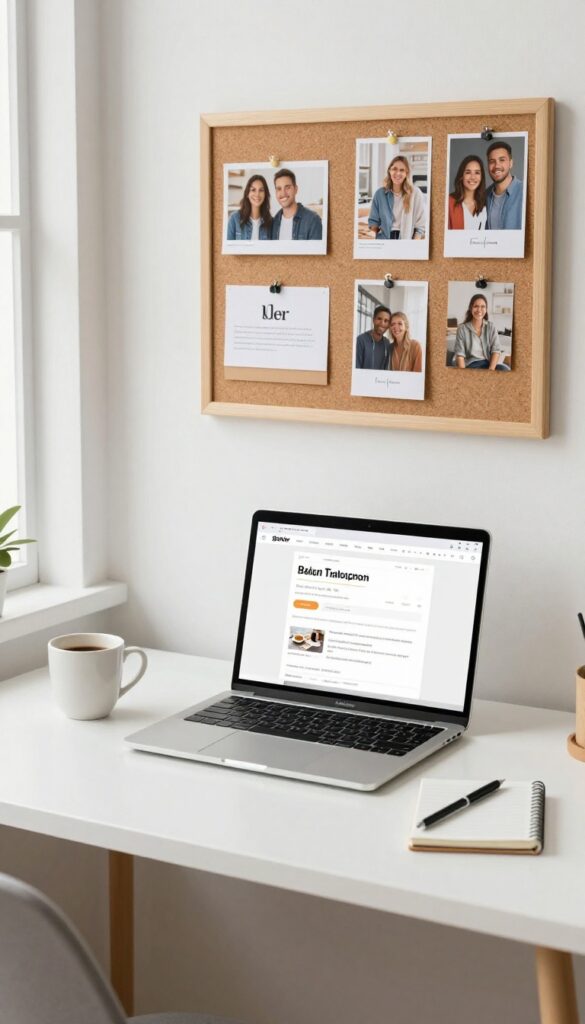
Working with other creators is one of the fastest ways to grow your blog and your Pinterest presence. A board dedicated to collaborations and guest posts shows your audience that you're connected and credible. It also makes it easy for potential partners to see the kind of work you do together.
This board becomes a portfolio of your collaborative efforts. It's not just about showing off—it's about building trust with your audience and opening doors for future opportunities.
Guest Posts You've Written
Pin the guest posts you've contributed to other blogs. This gives you backlinks and exposes your work to a new audience. Make sure to use a compelling image and a description that highlights the value of the post.
Collaborations With Other Bloggers
Whether it's a joint webinar, a co-authored ebook, or a simple interview swap, pin it here. Tag the other creator in the pin description—they might repin it, giving you extra visibility.
Roundups You've Been Featured In
Many bloggers compile roundups of expert tips or resources. If you've been included, add those pins to this board. It's a subtle way to show authority and build social proof.
12. Reader Favorites or Most Popular
New visitors land on your blog and immediately wonder where to start. A board dedicated to your most popular posts solves that problem. It acts like a highlight reel, showcasing the content that has already proven valuable to others.
This board builds trust quickly and helps new readers feel confident they're in the right place.
Curate your top-performing blog posts—the ones with the most traffic, comments, or social shares. Pin them with eye-catching images and clear titles. Update this board regularly as new posts gain traction.
It's a low-effort, high-impact board that works for any niche.
How To Choose Which Posts To Feature
Look at your analytics to find posts with the highest page views, longest time on page, or most social shares. Also consider posts that consistently bring in email subscribers or affiliate sales. Aim for a mix of evergreen content and recent winners.
Optimize Your Pins For Discovery
Use keyword-rich titles and descriptions that match what new readers might search for. Create multiple pin designs for each featured post to test what resonates. Rich pins are a must here—they pull in your latest data automatically.
Keep The Board Fresh And Relevant
Set a reminder to review this board monthly. Swap out older posts that have lost steam and add new popular ones. A stale board loses credibility.
Fresh pins also signal to Pinterest that your content is current, which can boost reach.
13. Visual Inspiration (Photos, Design, Style)
A picture is worth a thousand words, and on Pinterest, it's worth even more. This board is your digital mood board, a place to collect images that capture the look and feel you want your blog to convey. Whether you're a fashion blogger, interior designer, or lifestyle creator, curating visual inspiration helps you define your aesthetic and gives your audience a clear sense of your style.
Find Your Color Palette
Start by pinning images with color schemes you love. They don't have to be blog-related—a sunset, a piece of art, or a beautifully styled room can inspire your brand's palette. Over time, you'll notice patterns that help you choose consistent colors for your blog design and social media graphics.
Study Composition And Layout
Pay attention to how other creators frame their photos. Pin shots that use interesting angles, negative space, or unique props. These will serve as references when you plan your own blog photography or flat lays.
Gather Style Icons And Trends
Collect images of outfits, home decor, or design elements that resonate with your niche. This board becomes a resource for trend spotting and a source of inspiration when you need fresh ideas for your content.
14. Book or Product Reviews
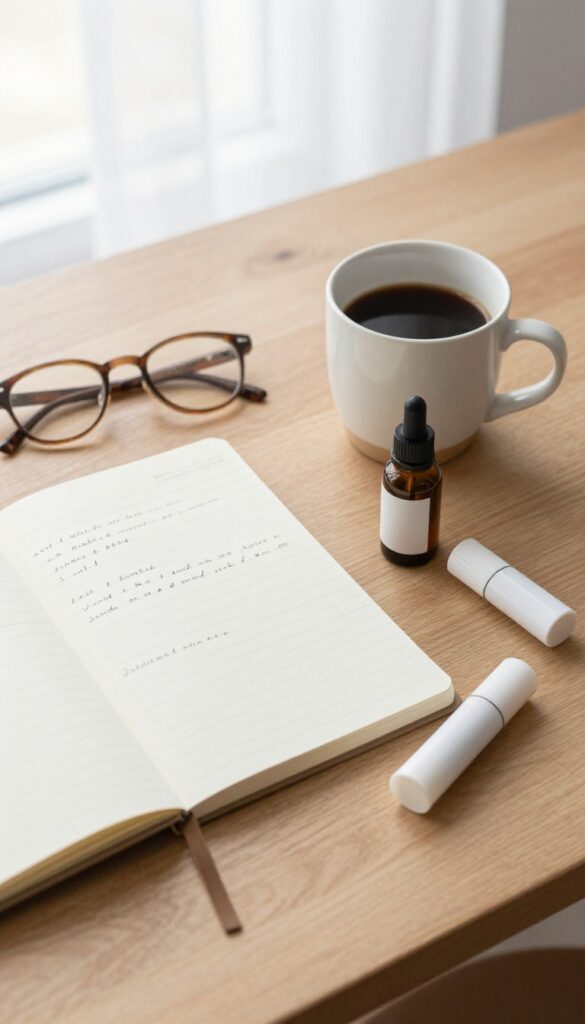
People trust recommendations from real users more than ads. A board dedicated to reviews—whether you wrote them or found them elsewhere—can become a go-to resource for your audience. It also keeps your content organized and easy to browse.
Start by pinning your own review posts, then add reviews from other trusted bloggers or reputable sites. You can organize by category, like "Best Planners" or "Top Skincare Products. " Over time, this board builds authority and encourages repeat visits.
Mix Your Own With Curated
Don't limit the board to just your content. Pin high-quality reviews from other sources—just make sure they're honest and detailed. This balance shows you're a helpful curator, not just self-promoting.
Use Descriptive Titles
Instead of "Product Review, " try "Honest Review: The Instant Pot Duo Plus" or "Is the Glossier Boy Brow Worth It? " Specific titles help your pins get discovered in search and tell viewers exactly what to expect.
Create Sub-boards For Niches
If you review a lot of different products, consider splitting into sub-boards like "Kitchen Gadgets, " "Skincare Favorites, " or "Book Reviews. " This makes it easier for followers to find exactly what they're looking for.
15. Your Blog's Journey or Milestones
People love a good origin story, and your blog's journey is exactly that. Sharing your milestones—big or small—turns your blog into a relatable adventure. It invites readers to cheer you on and feel part of your success.
This board is a timeline of your hard work. It shows that growth doesn't happen overnight, and that's inspiring to others who are just starting out.
Document your blogging journey—launch, first 100 subscribers, etc. It's personal and encourages community support.
Celebrate The Small Wins
Pin graphics for each milestone: first blog post, first comment, first 100 visitors. These remind you (and your audience) that every step counts.
Share Behind-the-scenes Moments
Include photos of your workspace, your planning process, or even a blooper. Authenticity builds trust and makes your journey feel real.
Create A Visual Timeline
Design a simple infographic or a series of pins that show your blog's growth over months or years. It's a powerful visual story.
16. Curated Roundups from Other Bloggers
Sharing other people's work might feel counterintuitive when you're trying to build your own brand, but it's actually a smart move. A board dedicated to the best posts from fellow bloggers in your niche shows your audience that you're plugged into the community and care about providing value, not just self-promotion. Plus, it's a subtle way to get on other bloggers' radars—they'll notice when you pin their content, and many will return the favor.
This board is all about generosity and connection. By curating high-quality posts from others, you position yourself as a go-to resource. Your followers get exposed to fresh perspectives, and the bloggers you feature often engage with your content in return.
It's a win-win that builds relationships and keeps your board active without you having to create new content every time.
How To Choose What To Pin
Don't just pin anything. Look for posts that are genuinely helpful, well-written, and visually appealing. Aim for a mix of evergreen tutorials, opinion pieces, and listicles that your audience would find useful.
Avoid pinning the same blogger too often—spread the love to keep the board diverse.
Tagging And Engaging
When you pin someone's post, tag them in the description or leave a comment on their pin. This small gesture goes a long way in building rapport. You can also create a group board where multiple bloggers contribute, turning your curated roundup into a collaborative hub.
Promoting Your Board
Let the bloggers you feature know about the board—they might share it with their audience. Include a link to this board in your blog's sidebar or in a resource page. The more people see it, the more valuable it becomes as a networking tool.
17. Video or Podcast Content
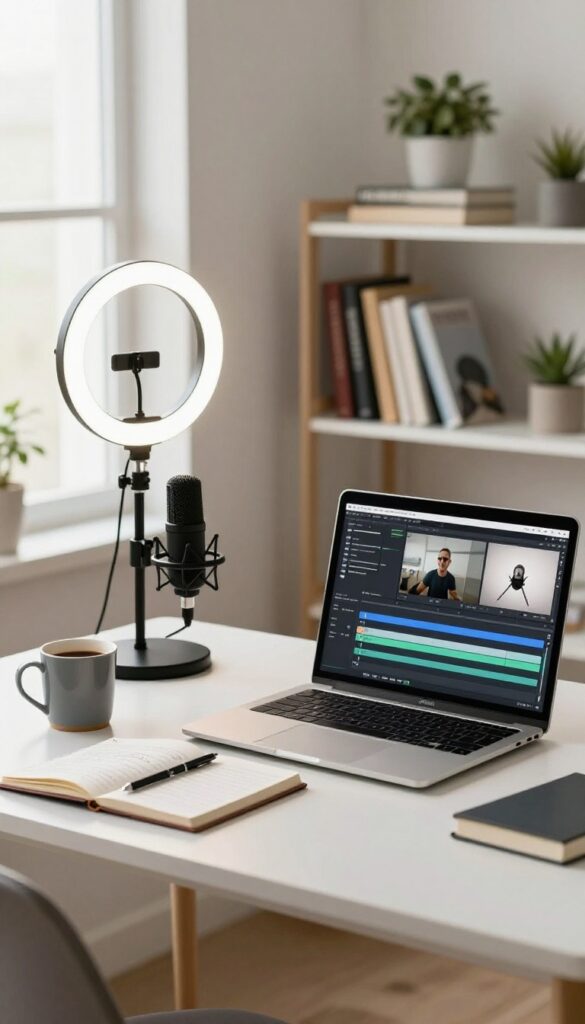
Got a YouTube channel or a podcast? Don't let that content gather dust. Create a dedicated board for your video and audio episodes, and pin them like you would any blog post.
This board does double duty: it gives your existing followers a place to find all your multimedia in one spot, and it introduces new pinners to your other platforms. Each pin can link directly to the episode page on your site, which helps build authority and keeps people in your ecosystem.
Create Episode-specific Pins
For each new episode, design a vertical pin with the episode title, a compelling quote, and your branding. Use a thumbnail-style image that matches the video or podcast cover art. This makes your board look cohesive and professional.
Organize By Theme Or Series
If you have recurring segments or themed episodes, group them using board sections. For example, "Interviews, " "Solo Episodes, " or "How-To Guides. " This helps visitors quickly find the type of content they love.
Include Show Notes And Transcripts
Pin a graphic that links to your show notes page or a full transcript. Not only does this provide extra value, but it also gives you more text for Pinterest to index, which can boost discoverability.
FAQ
How many Pinterest boards should a new blogger have?
Start with 5–10 boards to avoid overwhelm. You can always add more as you create content and discover new topics.
Should I create secret boards?
Yes! Use secret boards for planning, saving drafts, or organizing content before you're ready to publish. They're great for testing ideas.
How often should I pin to each board?
Aim for 5–10 pins per day per board, but quality matters more than quantity. Use a scheduler like Tailwind to stay consistent.
Can I use the same pin on multiple boards?
Absolutely. In fact, pinning your own content to multiple relevant boards can increase its reach. Just make sure each board is a good fit.
What's the best way to organize board names?
Use clear, keyword-rich names that describe the content. For example, instead of 'Random', use 'Healthy Dinner Recipes'.
Conclusion
You don't need to create all 17 boards at once. Pick three that match your blog's current focus—like a niche topic board, a seasonal board, and a personal brand board—and start pinning consistently.
Pinterest rewards regular activity, so aim for a few pins each day. Your boards will grow alongside your blog, and soon you'll see steady traffic from your best content.
Free PDF Download
Not Sure Which Side Hustle Fits You Best?
Take the free Side Hustle Matchmaker Quiz and get a simple 7-day starter plan to help you choose a beginner-friendly idea based on your time, skills, comfort level, and goals.
You’ll get this free PDF plus access to the full Marketerna Save More & Earn More PDF Kit. No spam. Unsubscribe anytime.