21 Blog Post Ideas That Can Attract Readers
You've got a blog, but the ideas aren't flowing. Maybe you've written a few posts and hit a wall, or you're starting fresh and don't know what will actually get clicks. The good news?
The best blog topics aren't random—they follow patterns that proven to attract readers. From how-to guides that solve specific problems to controversial takes that spark debate, these 21 post ideas cover every angle.
Each one is designed to be practical, shareable, and tailored to your niche. Pick a few that resonate, adapt them to your audience, and watch your traffic grow.
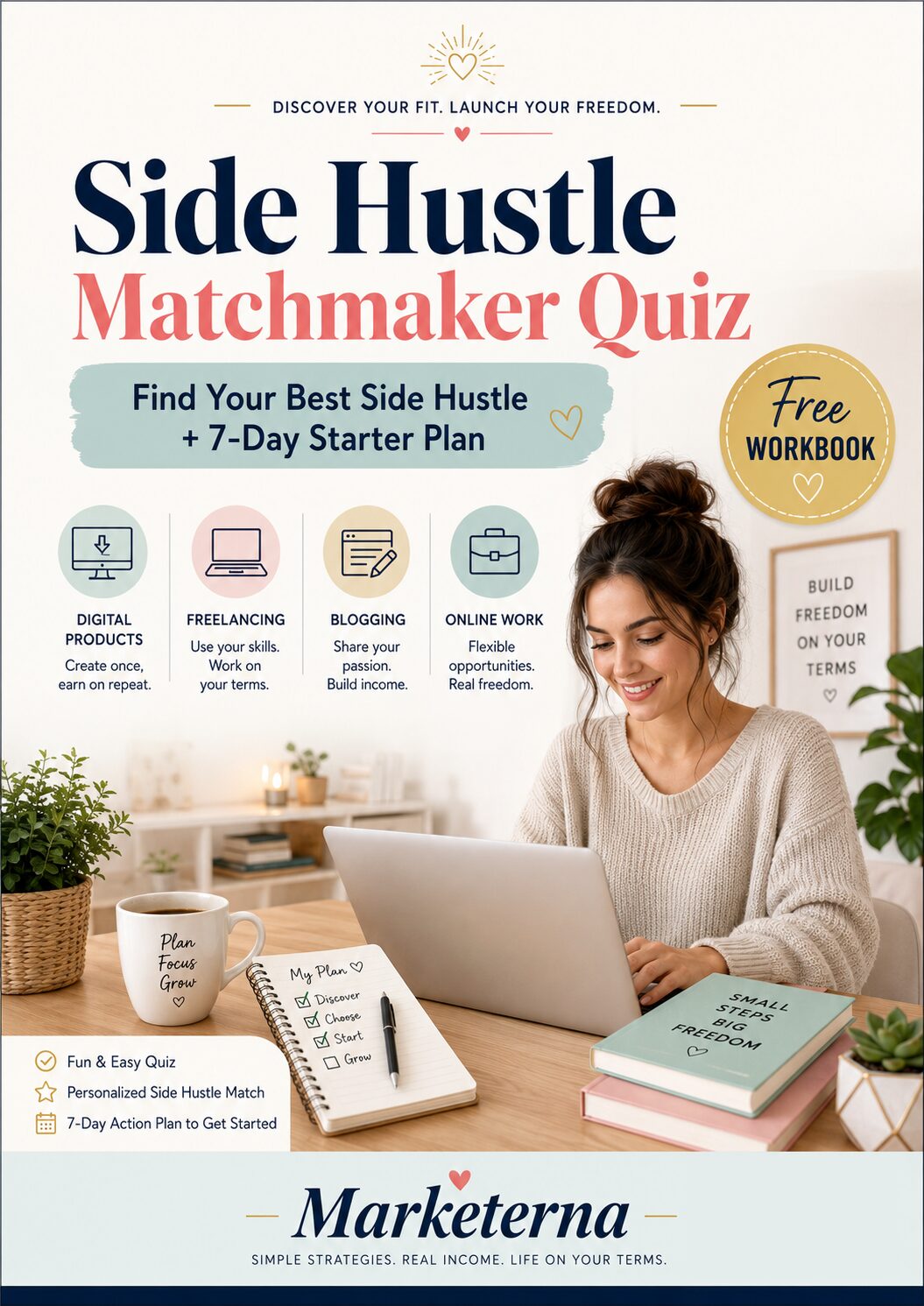
Free PDF Download
Not Sure Which Side Hustle Fits You Best?
Take the free Side Hustle Matchmaker Quiz and get a simple 7-day starter plan to help you choose a beginner-friendly idea based on your time, skills, comfort level, and goals.
You’ll get this free PDF plus access to the full Marketerna Save More & Earn More PDF Kit. No spam. Unsubscribe anytime.
1. The Ultimate How-To Guide

Everyone loves a good how-to guide. When someone lands on your blog, they're often looking for a clear path from point A to point B. A thorough how-to post gives them exactly that—no guesswork, no fluff.
It positions you as the expert who can actually help.
The key is to pick a problem your audience faces frequently. Break it down into steps that are easy to follow. Use screenshots or diagrams if they make things clearer.
And always include a checklist or summary at the end so readers can quickly reference what they learned.
Start With A Real Problem
Think about what your readers struggle with most. It could be something like "how to edit a photo in Photoshop" or "how to start a vegetable garden. " The more specific, the better.
A narrow focus makes your guide feel tailored and actionable.
Structure Step By Step
Organize your guide in a logical sequence. Numbered steps work well because they give readers a sense of progress. Each step should be one clear action.
Avoid long paragraphs—stick to short, punchy instructions.
Add Pro Tips And Warnings
Sprinkle in insider tips that save time or prevent common mistakes. For example, if you're writing about baking bread, mention that room-temperature eggs mix better. Also, flag potential pitfalls so readers don't get frustrated and give up.
2. The Common Mistakes Post
We all mess up. And when we do, we want to know we're not alone—and how to fix it. A common mistakes post does exactly that.
It lists the frequent errors people make in your niche, explains why they happen, and shows the right way. It's relatable, helpful, and gets shared because everyone loves a good "I've been there" moment.
Pick 5–10 mistakes that beginners (and even pros) often make. For each one, describe the mistake, why it's harmful, and how to avoid it. Use real examples if you can.
Keep it friendly—no shaming. Your readers will thank you.
Why This Works
Mistakes posts are gold because they tap into two powerful emotions: relief and validation. Readers feel relieved they're not the only one, and validated when you explain the fix. Plus, these posts rank well for "common mistakes" searches.
How To Choose Mistakes
Think about the questions you get most often. What do people always do wrong? Look at forums, comments, or your own early blunders.
Pick mistakes that are common, costly, and fixable. Avoid nitpicky stuff—focus on the big wins.
Structure Your Post
Start with a quick intro acknowledging that mistakes happen. Then list each mistake with a clear heading. For each one: state the mistake, explain why it's a problem, and give a step-by-step fix.
End with a summary or checklist. Keep it scannable.
Free PDF Download
Not Sure Which Side Hustle Fits You Best?
Take the free Side Hustle Matchmaker Quiz and get a simple 7-day starter plan to help you choose a beginner-friendly idea based on your time, skills, comfort level, and goals.
You’ll get this free PDF plus access to the full Marketerna Save More & Earn More PDF Kit. No spam. Unsubscribe anytime.
3. The Beginner's Resource Roundup
Newbies often feel paralyzed by too many choices. They don't know which tool, book, or course is worth their time. That's where you step in.
Curate a collection of the best resources for beginners in your niche. Make it the ultimate bookmark-worthy guide they'll return to again and again.
A resource roundup positions you as a trusted curator. It saves readers hours of research and builds loyalty. Focus on quality over quantity—pick 10–15 truly helpful items.
Include a mix of free and paid options, and add a short note on why each made the list.
Tools That Do The Heavy Lifting
Start with software or apps that simplify the learning curve. For a blogging niche, that might be a drag-and-drop website builder or a grammar checker. Explain what each tool does best and who it's for.
Keep descriptions tight—readers want to know if it's worth their time, not read a manual.
Books That Actually Teach
Not every beginner book is beginner-friendly. Skip the dense textbooks and recommend titles that explain concepts clearly. For photography, that could be "Understanding Exposure" by Bryan Peterson.
For coding, "Automate the Boring Stuff with Python. " Add a one-liner on the book's approach so readers know what to expect.
Free Courses That Deliver Results
Free courses are gold for beginners on a budget. Point to reputable platforms like Coursera, edX, or YouTube channels that offer structured learning. Highlight a standout course—maybe "Learning How to Learn" for study skills or a niche-specific playlist.
Mention the time commitment so readers can plan.
4. The Case Study Breakdown
Some readers need more than just advice—they want proof that your methods actually work. A case study breakdown delivers exactly that by walking through a real success story, step by step. Whether it's a client result, a personal win, or a well-known brand example, this format builds trust and gives your audience a concrete model to follow.
Case studies are persuasive because they show, not just tell. They answer the reader's unspoken question: "Will this work for me? " By presenting a before-and-after picture with specific numbers and decisions, you make your content both credible and actionable.
The key is to focus on the process, not just the outcome.
Pick A Story That Fits Your Audience
Choose a case that mirrors your reader's situation. If you run a marketing blog, analyze how a small business grew its email list by 300% using a simple lead magnet. The closer the match, the more relevant your breakdown feels.
Avoid overly niche or outdated examples that won't resonate.
Walk Through The Decision Points
Don't just list what happened—explain why each choice was made. For instance, if a client switched from Facebook ads to SEO, detail the reasoning behind the shift, the metrics they tracked, and the obstacles they overcame. This transforms your case study into a reusable playbook.
Include The Numbers That Matter
Concrete data makes your case study pop. Share specific percentages, time frames, or revenue changes. Even if you have to anonymize the data, keep the figures real.
A vague "traffic increased a lot" is far less convincing than "organic traffic rose 150% in three months. "
Free PDF Download
Not Sure Which Side Hustle Fits You Best?
Take the free Side Hustle Matchmaker Quiz and get a simple 7-day starter plan to help you choose a beginner-friendly idea based on your time, skills, comfort level, and goals.
You’ll get this free PDF plus access to the full Marketerna Save More & Earn More PDF Kit. No spam. Unsubscribe anytime.
5. The Comparison Post
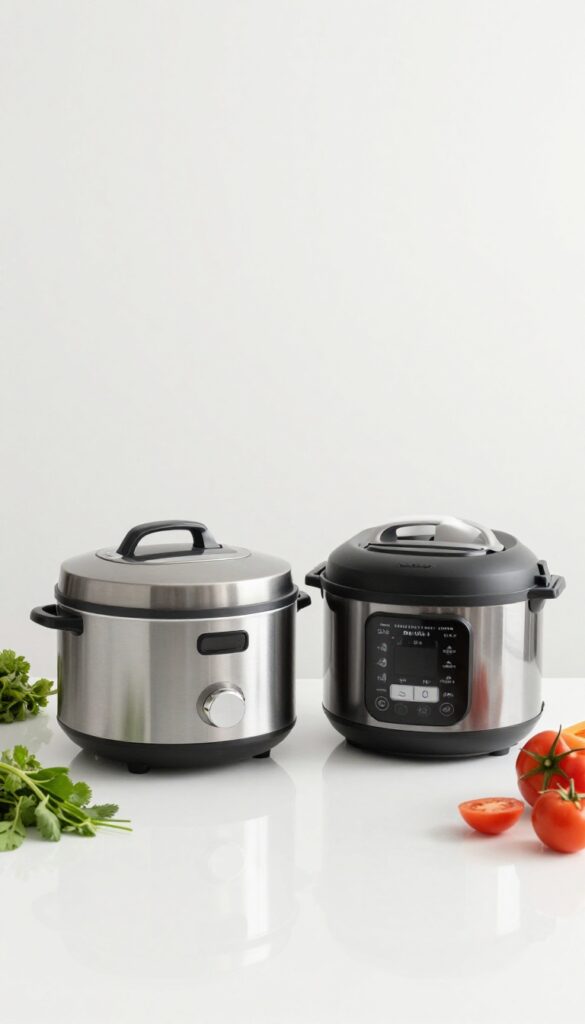
Decisions are hard, especially when two options look equally good. A comparison post cuts through the noise by laying out features, pros, cons, and a clear verdict. Readers love this format because it saves them hours of research and helps them choose with confidence.
It's also a great way to position yourself as a trusted guide.
Start with a relatable scenario that highlights the dilemma. Then break down each option across key criteria. End with a verdict that recommends one based on specific use cases.
Set Up The Dilemma
Open with a short paragraph that describes the common situation where someone might be torn between two choices. For example, "You're ready to start meal prepping, but should you invest in a slow cooker or an Instant Pot? " This hooks readers who are in that exact spot.
Compare Side By Side
Use a table or bullet points to compare features like price, ease of use, durability, and performance. Keep it balanced—highlight strengths and weaknesses for both. Include real-world examples or user feedback to add credibility.
Deliver A Clear Verdict
Summarize who each option is best for. For instance, "If you love set-it-and-forget-it meals, go with the slow cooker. If you need versatility and speed, the Instant Pot wins.
" This gives readers a direct answer and makes the post actionable.
6. The Expert Roundup
Authority matters. When readers see multiple experts backing an idea, trust skyrockets. An expert roundup gathers insights from several respected voices in your niche, answering one focused question.
It's a powerful way to deliver value while building relationships with influencers.
Reach out to 5–10 experts with a single, clear question. Keep it short and specific—something they can answer in a few sentences. Once you receive their responses, compile them into a cohesive post, grouping similar answers or highlighting standout quotes.
Add your own commentary to tie everything together.
Picking The Right Question
Your question determines the quality of responses. Ask something actionable, like "What's one strategy that boosted your traffic last month? " Avoid broad or vague questions.
A focused question yields practical, quotable answers.
Reaching Out The Right Way
Personalize each email. Mention something you admire about their work, and explain why their opinion matters. Keep it brief—experts are busy.
A simple, respectful request often gets a yes.
Making The Post Shine
Organize responses logically. Use subheadings to group similar insights, and add your own takeaways. Include a brief bio and link for each expert—they'll likely share the post with their audience, giving you extra exposure.
7. The Controversial Opinion
Sometimes the safest path is the most boring one. Readers crave fresh perspectives, especially when they're tired of recycled advice. A controversial post can cut through the noise—if you handle it right.
The trick isn't to be shocking for the sake of it, but to back your bold stance with solid reasoning and invite respectful debate.
Pick a topic in your niche where the majority opinion feels stale or incomplete. State your position clearly, support it with data or case studies, and acknowledge opposing views fairly. This builds trust and encourages comments, shares, and backlinks.
Why Controversy Works
Controversial content triggers emotional engagement. When readers disagree, they're more likely to comment, share, and link—boosting your reach. It also positions you as a thought leader willing to challenge the status quo.
Choosing Your Battle
Not every hot topic is worth the heat. Pick issues where you have genuine expertise and where the controversy isn't purely divisive. Aim for debates that can be settled with evidence, not just opinion.
Structuring The Argument
Start by stating the common view, then present your counterpoint. Use bullet points or short paragraphs to list your evidence. End with a call for readers to share their own experiences, turning the post into a conversation.
8. The Personal Story with a Lesson
People connect with real experiences, not polished perfection. Sharing a personal failure or breakthrough makes you human and builds trust. The key is to tie your story to a broader lesson that readers can apply to their own lives.
Why Vulnerability Works
When you admit a mistake or reveal a struggle, readers see themselves in your story. It breaks down the barrier between writer and audience, making your advice feel more genuine and relatable.
Structure Your Story
Start with the situation and the challenge. Describe what you tried, what went wrong, and how you felt. Then reveal the turning point—the insight or action that changed the outcome.
End with the concrete lesson you want readers to take away.
Keep It Relevant
Your story should tie directly to your niche. If you run a fitness blog, share the time you overtrained and got injured. If you teach marketing, talk about a campaign that flopped.
The lesson must be useful to your audience, not just cathartic for you.
9. The Checklist Post
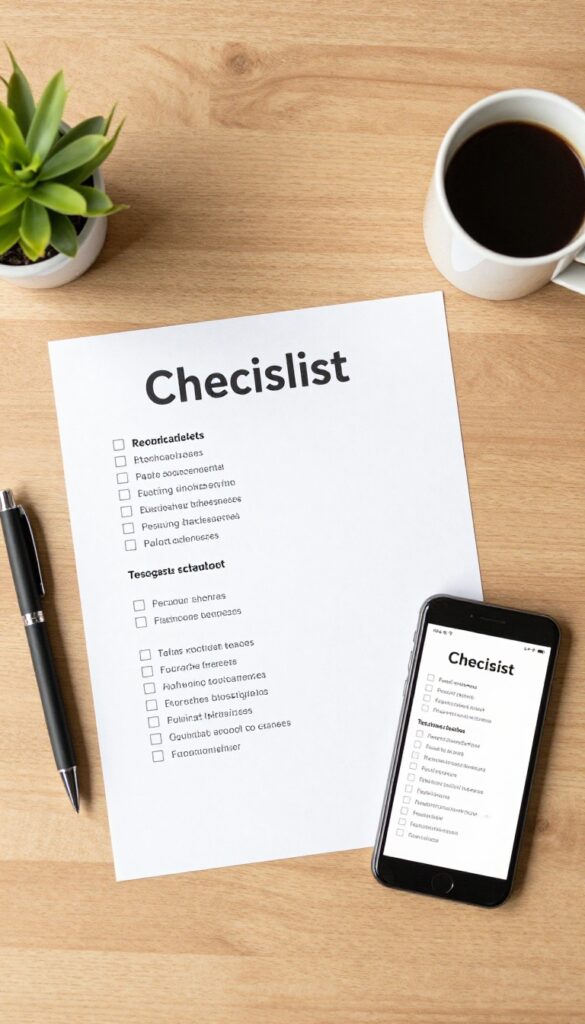
Busy readers don't have time to wade through long paragraphs. They want something they can print, pin, or save and actually use. A checklist post delivers exactly that—a step-by-step guide they can follow without overthinking.
It's practical, actionable, and highly shareable because it solves a real problem in the simplest way possible.
Create a checklist that helps your reader accomplish a specific task. Break the process down into clear, sequential steps. Use bullet points or numbered items so they can check off each step as they go.
Add a printable version or a simple graphic they can save. The goal is to make it so easy that they'll bookmark it and send it to a friend.
Choose A High-value Task
Pick something your audience struggles with regularly. It could be "How to Pack for a Weekend Trip" for a travel blog, "10 Steps to a Clean Kitchen" for a home blog, or "Your Morning Routine for More Energy" for a wellness blog. The task should be specific enough to feel doable but broad enough to attract a wide audience.
Keep It Scannable
Use short, clear action items. Avoid long explanations—save those for the blog post itself. Each checklist item should be one concise step.
For example, instead of "Gather all necessary documents and make copies, " write "Collect your passport, ID, and travel insurance. " Readers should be able to glance at the list and know exactly what to do.
Add A Visual Element
Include a simple graphic or printable PDF. A well-designed image with the checklist is easy to pin on Pinterest or share on social media. Use icons, checkboxes, or a clean layout.
This makes the post more shareable and gives readers a reason to come back to it.
10. The Myth-Busting Post
We all carry around beliefs that feel true but aren't. In every niche, there are persistent myths that mislead newcomers and even veterans. A myth-busting post does two things at once: it clears up confusion and positions you as a trusted authority.
By tackling 5-10 common misconceptions head-on, you give readers that satisfying "aha" moment—and they'll remember you as the source who set them straight.
Pick Myths That Actually Matter
Not every half-truth is worth your time. Focus on myths that cause real harm—like wasted money, bad habits, or missed opportunities. For example, in fitness, the idea that "lifting weights makes women bulky" keeps many from strength training.
That's a myth worth busting. In finance, "you need a lot of money to invest" is another. Choose myths your audience frequently asks about or that you see repeated in forums.
Back Every Claim With Evidence
A myth-busting post crumbles without solid proof. For each myth, provide a clear counterargument backed by studies, expert quotes, or real-world examples. Link to reputable sources so readers can verify.
This isn't about opinion—it's about facts. When you debunk a myth with data, you build credibility that carries over to your other posts.
Keep The Tone Firm But Friendly
No one likes being told they're wrong, even when they are. Approach each myth with empathy: acknowledge why people believe it, then gently present the truth. Use phrases like "It's easy to see why this idea caught on, but the research shows. . .
" This keeps readers open-minded and prevents them from feeling attacked. You're on their side, just with better information.
11. The 'What Nobody Tells You' Post
Every new venture comes with a glossy brochure version and the gritty reality. The 'what nobody tells you' post pulls back the curtain on the unspoken struggles, hidden costs, or counterintuitive truths that insiders know but newcomers don't. It builds instant trust because you're admitting the downsides upfront.
This format works because it addresses the gap between expectation and experience. Readers who are researching a topic crave the real scoop—not just the highlight reel. By revealing what others gloss over, you position yourself as an honest guide.
Start With A Relatable Pain Point
Open by acknowledging the excitement or fear your reader feels. Then pivot to the surprise they didn't see coming. For example, if your niche is freelance writing, you might say: "You think freelancing means freedom.
But nobody tells you about the 50% of your day spent on admin and chasing payments. "
List 3–5 Specific Hidden Truths
Each truth should be concrete and surprising. Avoid vague statements like "it's harder than you think. " Instead, share exact numbers, anecdotes, or insider jargon.
For a fitness blog: "Nobody tells you that recovery days are when muscles actually grow—and skipping them stalls progress. "
End With A Balanced Takeaway
Don't just scare people off. Acknowledge that the challenge is manageable if they're prepared. Offer one actionable tip to navigate the hidden difficulty.
This keeps the post helpful rather than discouraging.
12. The Data-Driven Post

Numbers don't lie, and readers love them. A data-driven post takes raw information—whether from your own analytics, a survey, or industry reports—and turns it into a compelling story. You don't need to be a statistician; just find a dataset that matters to your audience and present it with clear takeaways.
Charts, graphs, and bullet points make the information skimmable, while your insights add the human touch.
Start by identifying a question your audience often asks, then find or create data to answer it. For example, if you run a marketing blog, survey your readers about their biggest challenges and share the top five. Or pull public data from sources like government databases or industry studies.
The key is to go beyond just listing numbers—explain what they mean and how readers can act on them.
Where To Find Your Data
You don't need a huge budget. Start with your own analytics (Google Analytics, social media insights) to uncover surprising trends about your audience. Run a simple poll on Twitter or LinkedIn.
Or use free public datasets from sources like Data. gov, Pew Research, or industry-specific reports. Even a small sample can yield interesting insights if you present them honestly.
Making Numbers Tell A Story
Raw data is boring without context. Instead of saying "70% of respondents prefer X, " say "7 out of 10 people choose X—here's why that matters for your business. " Use simple charts (bar graphs, pie charts) to visualize key points.
Keep your analysis short and focused on one main takeaway per chart. End each section with a clear "so what" that gives readers a practical step.
Adding Actionable Insights
The best data posts don't just inform—they help. After presenting your findings, offer 2-3 concrete ways readers can apply the information. For instance, if you found that most readers read blogs on mobile, suggest optimizing images for smaller screens.
If survey data shows a common pain point, link to a solution you've written about. This transforms your post from interesting to indispensable.
13. The Interview Post
Interviews are a goldmine for fresh content. You get to tap into someone else's expertise, and your audience gets direct access to a pro. Plus, the interviewee will likely share the post with their followers, bringing you new readers.
It's a win-win.
Pick The Right Person
Choose someone your audience already respects or would love to learn from. It could be an industry leader, a successful practitioner, or even a customer with a compelling story. Make sure their knowledge aligns with your niche and the questions your readers ask.
Ask Smart Questions
Prepare questions that dig deeper than surface-level. Think about what your audience truly wants to know—practical tips, behind-the-scenes insights, or lessons from failures. Avoid generic questions; instead, tailor them to the person's unique experience.
Format For Readability
Share the interview as a Q&A transcript, but clean it up for clarity. Remove filler words and repetitive phrases. Add short intros for each question to set context, and break up long answers into shorter paragraphs.
Use bold or italics to highlight key takeaways.
Promote Together
Once the post is live, let the interviewee know and ask them to share it with their audience. You can also create social media snippets, quote cards, or a short video teaser. Collaboration multiplies your reach.
14. The 'Before and After' Post
People love proof. A before-and-after post is one of the most convincing formats you can use. It shows transformation in action—whether that's weight loss, business growth, or learning a new skill.
The key is to be honest and detailed about the process, not just the result.
Show a clear starting point and a compelling outcome. Then break down exactly how you got from one to the other. Include specific steps, tools, or habits that made the difference.
This builds trust and gives readers a roadmap they can follow.
Pick A Dramatic Transformation
Choose a change that's visible and measurable. For example, a fitness blog could show a client's body composition shift. A business blog might share revenue growth over six months.
The bigger the gap, the more impact.
Document The Process Honestly
Don't skip the struggles. Share what didn't work, what almost made you quit, and the small wins along the way. Readers connect with the journey, not just the highlight reel.
Include Actionable Takeaways
End with a simple list of steps or principles readers can apply to their own situation. Make it easy for them to start their own transformation.
15. The Curated List of Resources
Sometimes the most helpful thing you can do is save your readers hours of research. When they're staring at a sea of options, a handpicked list of the best tools, websites, or apps cuts through the noise. The key is to explain why each resource made the cut—not just list names.
Curated lists work because they combine authority with generosity. You're saying, 'I've done the work, so you don't have to. ' Readers trust you more when you share specific recommendations with clear reasoning. Keep the list focused on one task, like 'best free photo editors' or 'top project management tools for freelancers. '
Choose A Narrow Topic
A list of 'best productivity apps' is too broad. Instead, pick something like 'best note-taking apps for students' or 'top email marketing tools for small e-commerce stores. ' The tighter the focus, the more valuable the list feels.
Explain Your Picks
Don't just drop names. For each resource, write a short paragraph on what it does best, who it's for, and a specific scenario where it shines. For example: 'Trello is perfect for visual planners who need to see their workflow at a glance—great for content calendars. '
Add Honest Pros And Cons
No tool is perfect. Mention a limitation or two to build credibility. For instance: 'Canva is incredibly user-friendly but lacks advanced vector editing. ' Readers appreciate the honesty and can make better decisions.
16. The Step-by-Step Tutorial with Screenshots

Some people need to see it to believe it. A text-only tutorial can leave readers guessing, but a visual walkthrough removes all doubt. By pairing each instruction with a clear screenshot, you make your guide impossible to mess up.
This approach works especially well for software, DIY projects, recipes, or anything with multiple steps.
Choose The Right Tool For Capturing Screenshots
You don't need fancy software. Built-in tools like Snipping Tool (Windows) or Command+Shift+4 (Mac) work fine. For more control, try free options like Snagit or Lightshot.
The key is consistency—use the same style and size for all images so the tutorial looks polished.
Annotate To Highlight Key Areas
Don't just drop in raw screenshots. Add arrows, circles, or boxes to draw attention to the important part. Use a simple tool like Canva or Markup Hero.
Keep annotations minimal—too many can clutter the image and confuse readers.
Write Short, Action-focused Steps
Each step should be one clear action. For example: "Click the 'Settings' icon in the top right corner. " Then show that exact screen.
Avoid long explanations—let the screenshot do the heavy lifting. If a step has multiple parts, break it into smaller numbered steps.
17. The 'Why You Should' Persuasive Post
Sometimes your readers know they need to change but aren't sure how or why. A persuasive post can tip the scales. By combining logic, emotion, and real examples, you build a case that's hard to ignore.
This format works especially well when you're promoting a specific tool, method, or mindset shift.
Start With A Relatable Problem
Open by describing a pain point your audience faces. Keep it specific—something they've felt but maybe haven't articulated. This builds empathy and shows you understand their situation.
For example, if you're in the productivity niche, talk about the frustration of trying multiple to-do list apps and still feeling overwhelmed.
Present Your Solution With Evidence
Introduce the approach, tool, or mindset you're advocating. Back it up with data, case studies, or personal results. Readers want proof, not just opinions.
If you're recommending a new habit, share before-and-after stats or testimonials. Make the benefits tangible.
Address Objections Head-on
Anticipate the reasons someone might resist your suggestion. Common objections include cost, time, complexity, or skepticism. Acknowledge them honestly, then counter with a stronger benefit or a workaround.
This builds trust and removes mental barriers.
End With A Clear Call To Action
Don't leave your reader hanging. Tell them exactly what to do next—whether it's signing up for a trial, adopting a new habit for a week, or sharing the post with a friend. Make the first step small and easy.
A gentle nudge can turn a convinced reader into an action-taker.
18. The Seasonal or Trending Topic Post
Timing can make or break a blog post. When you write about what people are already searching for, you tap into existing demand. Seasonal events, holidays, or trending topics in your niche give you a natural boost in visibility.
It's like surfing a wave instead of swimming against the current.
Find The Right Trend For Your Niche
Not every trend fits your blog. A food blog might cover pumpkin spice recipes in fall, while a tech blog could analyze the latest gadget launch. Use tools like Google Trends or social media hashtags to spot what's gaining traction.
Pick trends that align with your expertise and audience interests.
Plan Ahead For Seasonal Peaks
Seasonal content works best when published early. Write about Valentine's Day gifts in January, not February 14th. Create a content calendar to map out holidays and events relevant to your niche.
This gives you time to research, write, and promote before the rush.
Add Your Unique Angle
Trending topics often have dozens of similar posts. Stand out by sharing personal experience, a contrarian view, or a specific how-to. For example, instead of "Best Summer Travel Destinations, " write "How to Travel Europe on $50 a Day This Summer.
" Specificity wins.
19. The FAQ Post
Every niche has the same questions popping up again and again. Instead of answering them one by one in emails or comments, gather them into one definitive post. It's a huge time-saver and a magnet for search traffic because people are literally typing those questions into Google.
Start by listing every question you've received more than once. Check your inbox, social media DMs, and blog comments. Group related questions under broader topics, then answer each one clearly and concisely.
Link to other relevant posts where appropriate. This post becomes a resource you can point newcomers to, and it keeps working for you long after publishing.
Where To Find The Best Questions
Look at your email inbox, social media comments, and support tickets. Also scan forums like Reddit or Quora in your niche. The questions that come up most often are gold.
How To Structure Your Faq
Organize questions by theme, not randomly. Use a table of contents with anchor links so readers can jump to what they need. Keep answers short and direct—no fluff.
Why Faqs Boost Seo
FAQ pages often appear in Google's "People also ask" boxes. Use the exact phrasing of the question in your heading, then answer naturally. That match can drive consistent traffic for months.
20. The 'Tools of the Trade' Post
Readers love peeking behind the curtain. A tools-of-the-trade post satisfies that curiosity while providing genuine value. By sharing the exact gear, software, or gadgets you rely on, you build trust and help your audience make informed buying decisions.
Why This Works
People trust recommendations from real users over ads. When you explain why you chose a tool and how it solves a specific problem, readers feel confident trying it themselves. Plus, these posts often get shared as reference guides.
How To Pick Your Tools
Don't just list everything you own. Focus on the tools that have the biggest impact on your work. For each one, include a quick story or example of how it saved time, improved quality, or made a task easier.
Structure For Skimmability
Use a consistent format: tool name, one-line description, key benefit, and a screenshot or photo. Group similar tools (e. g. , design software, productivity apps, hardware) under subheadings so readers can jump to what interests them.
21. The Future Predictions Post

People love to know what's coming next. A predictions post positions you as a forward-thinking expert and gets readers excited about what's ahead. It also tends to get shared widely because everyone wants to be in the know.
Forecasting the future of your niche isn't just fun—it builds authority and sparks conversation. By analyzing current trends, data, and expert opinions, you can make educated guesses that your audience will find valuable. This type of post works well annually or quarterly, and it can be updated as predictions evolve.
Spot The Signals
Look for emerging patterns in your industry. What are influencers talking about? What new tools or technologies are gaining traction?
For example, if you're in tech, you might predict the rise of AI in everyday apps. In health, maybe plant-based diets will go mainstream. Jot down 3-5 signals that point to a shift.
Back It Up
Don't just make wild guesses. Support each prediction with data, expert quotes, or case studies. If you predict that remote work will become permanent, cite a survey showing employee preferences.
This adds credibility and makes your post more useful for readers who want to plan ahead.
Add A Timeline
Give your predictions a timeframe—next year, five years, etc. This helps readers understand the urgency and relevance. You can also rate your confidence level (e. g. , "90% sure") to keep it honest and engaging.
FAQ
How do I choose the best idea from this list?
Pick the idea that matches your audience's biggest pain point or question. If you're unsure, go with the 'Common Mistakes' or 'How-To Guide'—they almost always perform well.
Can I use these ideas for any niche?
Absolutely. Each idea is a template you can adapt to any topic—from fitness to finance to parenting. Just swap the specifics to fit your audience.
How long should each blog post be?
Aim for 1, 500 to 2, 500 words for most posts. Longer guides (like ultimate how-tos) can go up to 3, 000 words. Focus on value, not word count.
Should I include images in every post?
Yes. At least one featured image and a few inline images break up text and improve engagement. Use screenshots, diagrams, or relevant stock photos.
How often should I publish new posts?
Consistency matters more than frequency. Start with once a week, then adjust based on your bandwidth. Quality always beats quantity.
Conclusion
You don't need to have every post planned out before you start. Pick one idea from this list that excites you, write it this week, and see how your audience responds.
The best blog grows one post at a time—and your next great article is already in this list.
Free PDF Download
Not Sure Which Side Hustle Fits You Best?
Take the free Side Hustle Matchmaker Quiz and get a simple 7-day starter plan to help you choose a beginner-friendly idea based on your time, skills, comfort level, and goals.
You’ll get this free PDF plus access to the full Marketerna Save More & Earn More PDF Kit. No spam. Unsubscribe anytime.