
21 Email List Building Tips for Beginners
Your email list is one of the most valuable assets you can build. Unlike social media followers, these are people who chose to hear from you directly. That means higher engagement, better conversions, and a channel you actually control.
But getting those first subscribers can feel like pulling teeth. You know you need a list, but where do you even start? The good news is that list building doesn't have to be complicated or expensive.
These 21 tips are designed for beginners. They're practical, proven, and easy to implement. No fluff, just real strategies to grow your email list from zero.
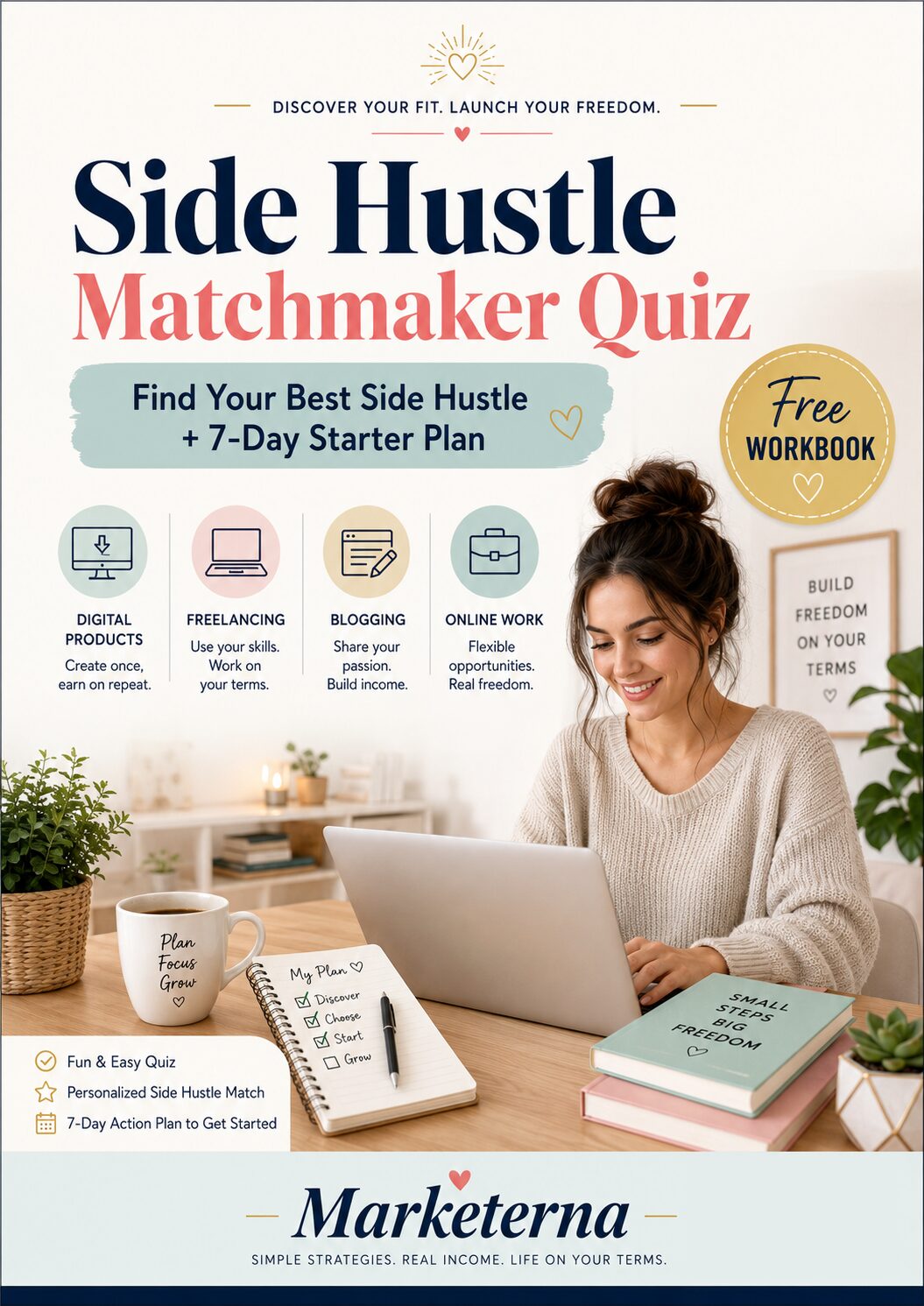
Free PDF Download
Not Sure Which Side Hustle Fits You Best?
Take the free Side Hustle Matchmaker Quiz and get a simple 7-day starter plan to help you choose a beginner-friendly idea based on your time, skills, comfort level, and goals.
You’ll get this free PDF plus access to the full Marketerna Save More & Earn More PDF Kit. No spam. Unsubscribe anytime.
1. Offer a Lead Magnet That Solves a Real Problem
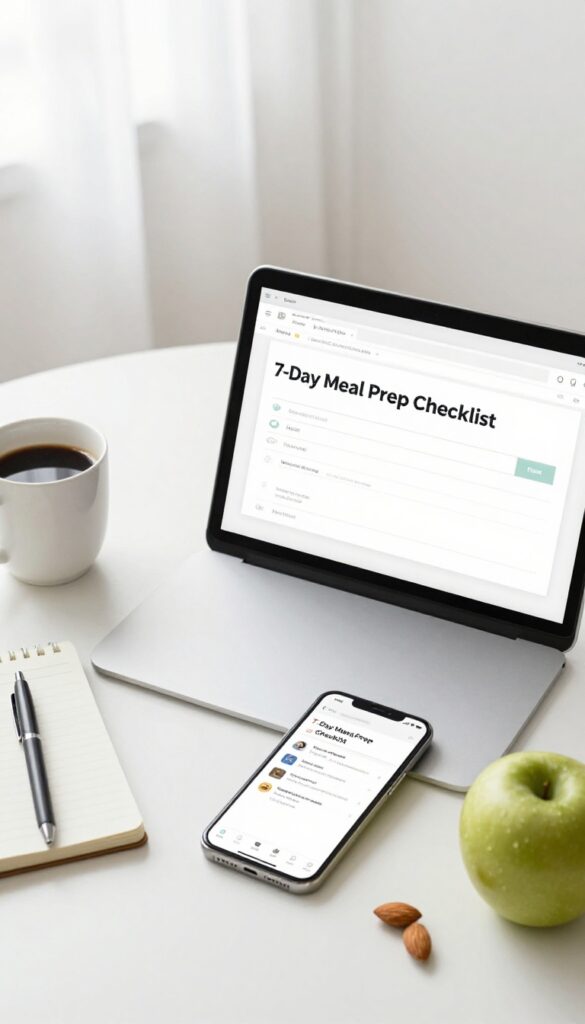
Think about the one question your audience asks over and over. That’s your lead magnet idea. A lead magnet is a free resource you give away in exchange for an email address.
It could be a checklist, a template, a short ebook, or a video tutorial. The key is that it solves a specific, painful problem. When your lead magnet hits the mark, people won’t hesitate to hand over their email.
A great lead magnet does three things: it’s instantly useful, it’s easy to consume, and it directly addresses a pain point. For example, if you run a fitness blog, a “7-Day Meal Prep Checklist” is more enticing than a generic “Fitness Tips” PDF. The more specific, the better.
Keep it simple—don’t overthink it. A one-page checklist can be more effective than a 50-page ebook if it solves the right problem.
Match The Magnet To Your Audience
Your lead magnet should feel like it was made for your ideal subscriber. If you target busy moms, a “5-Minute Morning Routine” template works. For freelancers, a “Client Onboarding Checklist” is gold.
Survey your existing audience or browse forums to uncover their biggest struggles. Then create a lead magnet that removes that struggle.
Make It Instantly Accessible
Don’t make people wait. When someone clicks your opt-in button, the download should land in their inbox within seconds—or better yet, redirect them to a thank-you page with the download link. Use an email marketing tool like Mailchimp or ConvertKit to automate delivery.
The faster they get it, the more they trust you.
Test And Refine Over Time
Not every lead magnet will be a home run. Track your conversion rates and see which ones get the most sign-ups. If a magnet isn’t performing, tweak the title, the design, or the problem it solves.
A/B test different versions. Small changes can double your opt-in rate.
2. Place Opt-In Forms in High-Traffic Areas
You can have the best lead magnet in the world, but if nobody sees your signup form, it won't matter. The key is putting your opt-in forms where your visitors already hang out. Think of it like setting up a lemonade stand on a busy street instead of a quiet cul-de-sac.
Homepage And Sidebar
Your homepage is prime real estate. Add a clear, simple signup form above the fold. Don't hide it in the footer.
The sidebar is another high-traffic spot—use it for a quick email capture with a short benefit-driven headline.
End Of Blog Posts
When someone finishes reading a post, they're engaged and more likely to subscribe. Place a signup form right after the content. You can offer a related freebie or just a promise of more useful tips.
Popups And Slide-ins
Popups can work well if you use them right. Set a delay of 5–10 seconds so visitors can read first. Or use an exit-intent popup that appears when someone moves their mouse to close the tab.
Keep it simple—just an email field and a strong reason to subscribe.
Free PDF Download
Not Sure Which Side Hustle Fits You Best?
Take the free Side Hustle Matchmaker Quiz and get a simple 7-day starter plan to help you choose a beginner-friendly idea based on your time, skills, comfort level, and goals.
You’ll get this free PDF plus access to the full Marketerna Save More & Earn More PDF Kit. No spam. Unsubscribe anytime.
3. Use a Content Upgrade for Each Blog Post
Content upgrades are like lead magnets on steroids. Instead of offering the same generic freebie on every page, you create a bonus piece of content that directly complements a specific blog post. It could be a checklist, a PDF summary, a template, or even a short video.
When someone reads your article and sees that extra resource, it feels like a natural next step rather than a sales pitch. That relevance is what makes content upgrades convert so well.
To get started, pick your most popular or most detailed blog post. Think about what extra information would genuinely help your reader. Maybe it's a printable cheat sheet, a step-by-step workbook, or a list of additional resources.
Create that bonus, then add a simple opt-in form within the post—ideally after a few paragraphs, so the reader has already seen value. Tools like Leadpages, ConvertKit, or even a basic WordPress plugin can handle the delivery automatically.
Match The Upgrade To The Post
The key is relevance. If your post is about "10 Ways to Save Money on Groceries, " your content upgrade could be a printable budget tracker. If it's about "How to Start a Podcast, " offer a checklist of equipment and steps.
The closer the connection, the more likely someone will exchange their email for that extra value.
Place The Opt-in Strategically
Don't just drop the form at the bottom of the post. Insert it inline after the second or third paragraph, or use a slide-in that appears after the reader has scrolled a bit. You can also add a text link within the content that leads to the opt-in.
Test different placements to see what gets the most signups.
Keep It Simple To Create
You don't need to design a full ebook. A one-page PDF with bullet points or a simple checklist can be incredibly effective. Use Canva or Google Docs to whip something up in under an hour.
The goal is to provide quick, actionable value, not to overwhelm yourself with production.
4. Run a Giveaway or Contest
Giveaways are a fast way to attract new subscribers because people love free stuff. By partnering with another business, you can offer a prize that feels valuable without bearing all the cost yourself. The catch?
Entrants must provide their email address to participate.
Pick The Right Prize
Your prize should appeal directly to your target audience. If you run a fitness blog, a gym bag or a month of meal prep service works better than a generic gift card. Partner with a complementary brand to split the cost and cross-promote to each other's audiences.
Set Simple Entry Rules
Keep the entry process frictionless. Require just an email address and maybe a name. You can offer bonus entries for sharing on social media or referring friends, but don't make the main entry complicated.
The easier it is, the more people will sign up.
Promote Everywhere
Share your giveaway on your website, social media channels, email signature, and any other place your audience hangs out. Use eye-catching graphics and a clear call-to-action. Consider running a small ad to boost visibility if your budget allows.
Free PDF Download
Not Sure Which Side Hustle Fits You Best?
Take the free Side Hustle Matchmaker Quiz and get a simple 7-day starter plan to help you choose a beginner-friendly idea based on your time, skills, comfort level, and goals.
You’ll get this free PDF plus access to the full Marketerna Save More & Earn More PDF Kit. No spam. Unsubscribe anytime.
5. Add a Signup Link in Your Email Signature
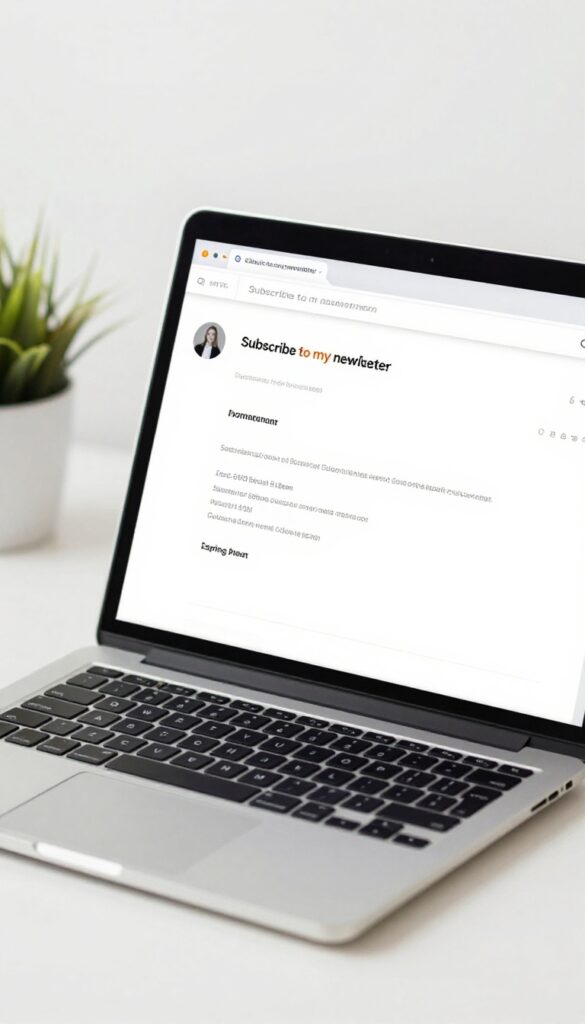
Your email signature is prime real estate that most people waste. Every email you send—whether it's to a client, a colleague, or a potential partner—has the potential to turn a casual conversation into a new subscriber. Adding a simple signup link there costs nothing and takes two minutes.
Include a short call-to-action and link to your opt-in page in your personal email signature. Every email you send becomes a potential subscriber source.
Keep It Simple
You don't need a long pitch. Just a line like "Join my newsletter for weekly tips" with a link to your signup page works. Make sure the link is clickable and stands out a bit—maybe in a different color or bold.
Match Your Brand
Your signature should look professional and consistent with your brand. Use the same font and colors as your website or email template. Add a small icon or button if your email client supports it, but keep it clean.
Update Regularly
If you change your lead magnet or opt-in page, update the link in your signature right away. Also test the link periodically to make sure it still works. A broken link is a missed opportunity.
6. Guest Post on Relevant Blogs
Guest posting is a classic strategy that still works like a charm. When you write for another blog in your niche, you tap into an audience that already trusts that site. If they like your content, they'll be curious about you — and that's your chance to turn them into subscribers.
The key is to target blogs with engaged readers, not just big numbers. A smaller, active community will send you more quality subscribers than a huge, silent one. Always include a bio with a clear call to action, like a link to your lead magnet or signup page.
Find The Right Blogs
Look for blogs that publish regularly, have active comments, and share content on social media. Use search operators like "your niche + write for us" or check out guest post roundups. Make a list of 10–20 targets and study their style before pitching.
Pitch A Killer Topic
Your pitch should show you've read their blog. Suggest a topic that fills a gap or adds a fresh angle to something they've covered. Keep it concise and include a few bullet points of what you'll cover.
Editors appreciate clarity.
Write An Outstanding Post
Deliver your best work. Make it actionable, well-structured, and error-free. Include a short author bio at the end with a link to your lead magnet — something like "Get my free checklist for [topic]" works great.
Don't overpromote in the article itself; let your bio do the work.
7. Create a Free Email Course
People love to learn, especially when it's free. A short email course delivered over 5-7 days gives subscribers a reason to stay engaged and look forward to your emails. It positions you as an expert and builds trust fast.
Design a course that teaches a specific skill your audience wants to learn. Break it into bite-sized lessons sent daily. Promote the course on your site, social media, and in your email signature.
Make the first email valuable enough that they'll open the rest.
Pick A High-value Topic
Choose something your audience struggles with. A 5-day course on 'Writing Better Subject Lines' works for marketers. A 7-day 'Meal Prep Basics' course fits a food blog.
Keep it focused and actionable.
Structure For Engagement
Each email should have one clear lesson, a quick task, and a teaser for the next day. End with a question to encourage replies. That interaction builds rapport and boosts deliverability.
Promote Everywhere
Add a dedicated landing page with a clear benefit. Share on social media with a call to action. Mention it in blog posts and podcast episodes.
The easier you make it to join, the more signups you'll get.
8. Use Social Media to Drive Signups
Your social media followers already like what you do. They just need a gentle nudge to join your email list. By promoting your lead magnet or email course on platforms like Instagram, Twitter, or LinkedIn, you turn casual followers into subscribers.
The key is making it easy and obvious.
Start by creating a dedicated post about your freebie. Use a clear visual—like a mockup of the PDF or a screenshot of the course—and write a short caption that explains the value. End with a strong call-to-action like "Grab your free guide" or "Sign up now.
" Then, pin that post to your profile or add it to your story highlights so it's always visible. You can also share it multiple times in different ways: a tweet, a carousel post, or a quick video. Don't forget to include the link in your bio or use a link-in-bio tool.
Consistency matters—mention your lead magnet in your bio, in your posts, and even in your comments. Over time, this steady presence will drive a steady stream of new subscribers.
Pin It Or Highlight It
Make your lead magnet impossible to miss. On Twitter, pin the tweet with the link to your signup page. On Instagram, create a story highlight labeled "Free Guide" or "Start Here" that includes a link (if you have the swipe-up feature) or directs people to your bio.
This way, new visitors see it immediately.
Use Visuals That Pop
A plain text post won't cut it. Design a simple graphic that shows what the subscriber gets—like a book cover, checklist preview, or video thumbnail. Bright colors and clear text work best.
Tools like Canva make this easy even if you're not a designer.
Cross-promote On Multiple Platforms
Don't limit yourself to one channel. Share your lead magnet on Facebook, LinkedIn, Pinterest, and any other platform your audience uses. Tailor the caption slightly for each platform's vibe, but keep the core message the same.
The more eyes on it, the more signups.
9. Host a Webinar or Live Workshop

Live events create urgency and a sense of exclusivity. When you offer a free training that solves a real problem, people will happily trade their email address to attend. The best part?
You can record it and reuse it forever.
Pick A Hot Topic
Choose a subject your audience struggles with. For example, if you're in the fitness niche, host a workshop on "5 Moves to Fix Your Posture in 10 Minutes a Day. " The more specific the pain point, the more sign-ups you'll get.
Require Email Registration
Use a tool like Zoom or Google Meet and set up a simple registration page. Ask for name and email only—don't overwhelm them with questions. Send a confirmation email with the link and a reminder an hour before.
Repurpose The Recording
After the live event, upload the recording to a private page. Add a simple opt-in form so new visitors can access it anytime. Now you have an evergreen lead magnet that keeps working for you.
10. Add a Popup with an Exit-Intent Trigger
You’ve probably been annoyed by popups before. But here’s the thing: when done right, they work. Exit-intent popups are different—they only appear when someone is about to leave your site.
That’s your last chance to grab their attention. Offer your best lead magnet right at that moment, and you’ll turn abandoners into subscribers.
Choose The Right Tool
You don’t need to be a developer. Tools like Sumo, OptinMonster, or Popup Maker let you set up exit-intent popups in minutes. Most have templates you can customize to match your brand.
Pick one that integrates with your email service provider.
Offer Something Irresistible
The popup should offer a lead magnet that solves a specific problem. A checklist, a cheat sheet, or a discount code works well. Make sure it’s relevant to the page they’re on.
For example, if they’re reading a blog post about email marketing, offer a list of email subject line templates.
Keep The Design Clean
A cluttered popup will scare people away. Use a clear headline, a short description, and a single call-to-action button. Avoid too many colors or fonts.
Test different designs to see what converts best.
11. Leverage Your Existing Audience on YouTube or Podcasts
If you already have a YouTube channel or a podcast, you're sitting on a goldmine for email subscribers. Your viewers and listeners already trust you—they just need a gentle nudge to join your list. The key is to weave your lead magnet into your content naturally, not as a hard sell.
Mention your email list and lead magnet during your videos or episodes. Add a link in the description or show notes. Make it easy for them to take the next step.
Mention It Naturally
During your content, casually refer to your lead magnet as a resource. For example, 'If you want a free checklist for this, grab it in the description. ' Keep it brief and relevant.
Optimize Your Descriptions
Place your sign-up link near the top of your video description or show notes. Use a clear call-to-action like 'Get your free guide here' so it's impossible to miss.
12. Create a Dedicated Landing Page
A generic signup form on your homepage might get a few subscribers, but a dedicated landing page can work wonders. It strips away all distractions and focuses visitors on one thing: joining your list. Think of it as a storefront window that only shows the best product.
When you send people to a landing page, you control the entire experience. No navigation menus, no sidebars, no exit routes. Just a clear headline, a list of benefits, and a form.
This simplicity boosts conversion rates because there's nothing else to click.
Keep It Simple And Focused
Your landing page should have one goal: get the signup. Use a short, benefit-driven headline. Follow it with three to five bullet points that spell out exactly what subscribers will get.
Then place your form front and center. No extra links, no about us section, no footer navigation.
Match The Message From Your Traffic Source
If someone clicks from a social media post promising a free checklist, your landing page headline should repeat that promise. Consistency builds trust. If the ad says 'Get the Ultimate Gardening Checklist, ' the page should say exactly that.
Don't make visitors hunt for what they came for.
Add Social Proof And A Privacy Note
A short testimonial or subscriber count can nudge hesitant visitors. Something like 'Join 5, 000 other gardeners' adds credibility. Also include a brief privacy assurance—'No spam, unsubscribe anytime'—to reduce anxiety about sharing their email.
13. Use a Two-Step Opt-In Process
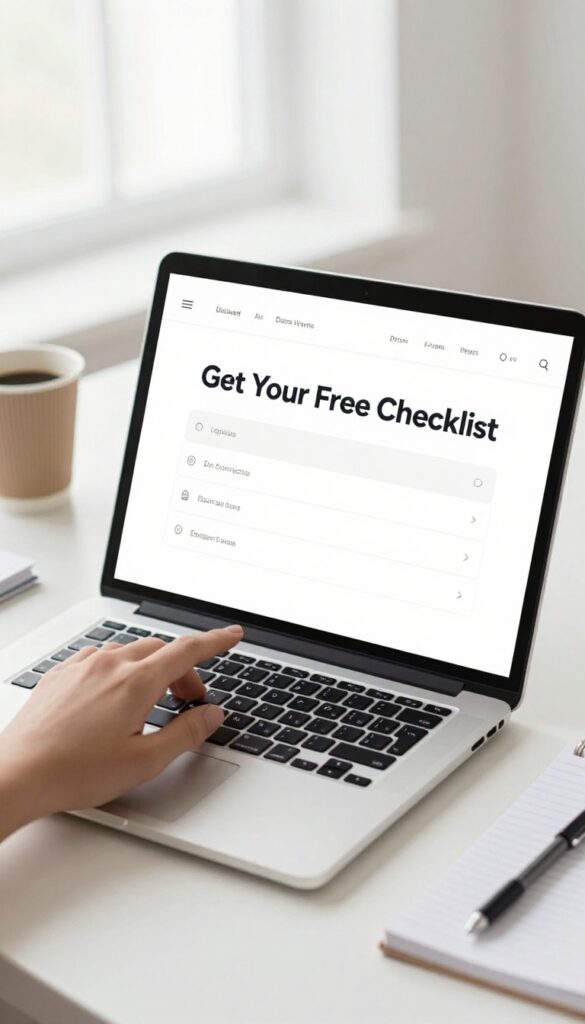
A standard signup form sitting on your page can feel like a wall. Visitors have to commit right away, and that pressure often makes them bounce. A two-step opt-in flips this by asking for a small action first—like clicking a button—before showing the form.
It's a psychological trick that lowers the barrier and makes signing up feel effortless.
The two-step process works because it turns the opt-in into a conversation. First, you ask for a click, which feels low risk. Then, when the form appears, the visitor has already mentally agreed to engage.
This small shift can boost conversion rates significantly, especially on mobile where screen space is tight.
How It Works
Place a button or link with a clear call to action, like "Get Your Free Checklist" or "Join the Community. " When clicked, it triggers a popup, lightbox, or new page with the actual signup form. The form stays simple—name and email only—and reinforces the value they'll receive.
Where to Use It
Two-step opt-ins work great on blog posts, landing pages, and even in your website footer. They're especially effective for lead magnets like ebooks or templates. Test different trigger points—exit intent, scroll depth, or time on page—to find what resonates with your audience.
Tools To Set It Up
Most email marketing platforms offer two-step opt-in features. Tools like ConvertKit, Mailchimp, and Sumo have built-in popup options. You can also use plugins like OptinMonster or Thrive Leads for more customization.
Keep the design clean and on-brand to maintain trust.
14. Add a Signup Form to Your About Page
Your About page is already one of the most visited spots on your site. Visitors land there because they want to know who you are and what you stand for. That trust and curiosity make it the perfect place to invite them into your email list.
Place an opt-in form on your About page with a clear, compelling reason to subscribe. Maybe it's exclusive updates, a free guide, or behind-the-scenes content. Make the offer directly relevant to why they're reading your story.
Match The Offer To Your Story
If your About page explains how you started your business, offer a free resource that continues that narrative. For example, a checklist for beginners or a case study. The signup should feel like a natural next step, not a random ask.
Keep The Form Visible But Not Pushy
Place the form somewhere prominent, like after your bio or in a sidebar. But don't let it overwhelm the page. A simple inline form with a clear headline works better than a giant popup that blocks your story.
Test Different Placements
Try putting the form at the top, middle, or bottom of your About page. See which spot gets the most conversions. Sometimes a subtle form near your photo works best, other times a bold call-to-action at the end wins.
15. Run Facebook or Instagram Ads to Your Opt-In
Paid ads can feel intimidating when you're just starting out, but they don't have to be. A small, targeted campaign on Facebook or Instagram can bring in subscribers fast. You don't need a huge budget—even $5 a day can work if you target the right people.
The key is to create a simple ad that speaks directly to your ideal subscriber. Use a clear headline, a compelling image, and a strong call-to-action like "Get Your Free Guide" or "Join the Community. " Drive traffic to a dedicated landing page where the only goal is to capture emails.
Test different audiences and ad creatives to see what sticks. Once you find a winner, scale it up slowly.
Start Small And Test
You don't need to spend hundreds right away. Begin with a small daily budget, like $5 to $10, and run two or three ad variations. Test different headlines, images, and audience interests.
Let the ads run for a few days, then pause the ones that aren't performing and put more budget behind the winners.
Target Your Ideal Audience
Facebook and Instagram let you get super specific with targeting. Use interests, behaviors, and demographics to reach people who are likely to want what you offer. For example, if you run a fitness blog, target people interested in workout programs or healthy recipes.
The more relevant the audience, the lower your cost per subscriber.
Use A Lead Magnet In Your Ad
Your ad should offer something valuable in exchange for the email address. This could be a free ebook, a checklist, a video tutorial, or a discount code. Make sure the lead magnet is directly related to your niche and solves a specific problem.
A strong offer increases your conversion rate and makes your ad spend more efficient.
16. Partner with Influencers for a Joint Lead Magnet
One of the fastest ways to grow your email list is to borrow someone else's audience. Partnering with an influencer in your niche for a co-branded lead magnet lets you tap into a community that already trusts them. It's a win-win: they get a valuable resource to share, and you get exposure to a targeted group of potential subscribers.
Collaborating with an influencer doesn't have to be complicated. Start by identifying someone whose audience overlaps with yours but isn't a direct competitor. Reach out with a clear proposal for a joint resource—like an ebook, checklist, or webinar—that benefits both audiences.
Once created, both of you promote it to your email lists and social channels. This doubles your reach and adds social proof to your offer.
Finding The Right Partner
Look for influencers who share your target audience but offer complementary content. For example, if you teach email marketing, partner with a social media strategist. Use tools like BuzzSumo or simply search your niche on Instagram or LinkedIn to find creators with engaged followers.
Check their engagement rates, not just follower count.
Creating A Co-branded Lead Magnet
Choose a format that plays to both your strengths. A joint webinar is effective because both of you can speak and promote. Alternatively, a co-authored guide or template bundle works well.
Make sure the lead magnet is high-quality and solves a specific problem for the shared audience. Include both of your branding and a clear call-to-action to join each other's lists.
Promoting For Maximum Reach
Plan a coordinated launch. Both of you should email your lists, post on social media, and maybe run a short ad campaign. Use unique tracking links or landing pages to see which partner drives more signups.
After the launch, consider repurposing the content into blog posts or social snippets to keep generating leads.
17. Use a Hello Bar or Top Banner

A hello bar is a thin strip at the very top of your website that stays visible as people scroll. It's one of the least intrusive ways to ask for an email address because it doesn't block content or pop up unexpectedly. Plus, it works great on mobile since it takes up almost no screen space.
The key is keeping it simple. Write a short, benefit-driven message like "Get our free guide" or "Join 5, 000+ subscribers" and add a button that leads to your signup form. Test different colors and copy to see what gets clicks.
You can also use a top banner with a similar approach—just make sure it's easy to dismiss so it doesn't annoy repeat visitors.
Keep It Minimal
Don't overload the bar with text or multiple buttons. A single line and one call-to-action is enough. The goal is to catch attention without slowing down the browsing experience.
Mobile Optimization
Hello bars are naturally mobile-friendly because they're thin and stay at the top. But test on different screen sizes to ensure the button is tappable and the text doesn't get cut off.
A/b Test Your Message
Try different offers or wording to see what resonates. For example, "Get 20% off" might outperform "Sign up for updates. " Small tweaks can make a big difference in conversion rates.
18. Offer a Discount or Coupon Code
Everyone loves a good deal. If you sell products or services, offering a discount or coupon code in exchange for an email address is one of the most direct ways to grow your list. This tactic works especially well for ecommerce stores, online courses, and digital products where a percentage off or a fixed amount can tip the scales.
The key is to make the offer feel valuable but not desperate. A 10% off coupon is standard for many online stores, while a $5 discount or free shipping can also work. For digital products like courses or templates, consider a limited-time discount or a bundle deal.
Place the offer prominently on your site—like a popup or a dedicated landing page—and make sure the signup process is simple.
Create A Sense Of Urgency
Add a countdown timer or mention that the coupon expires in 24 hours. This encourages visitors to act now instead of leaving and forgetting. Just be honest—if you say it expires, make sure it actually does or rotate offers regularly.
Promote The Offer Everywhere
Don't hide the discount. Share it on social media, in blog posts, and even in your email signature. The more people see it, the more likely they are to subscribe.
You can also run a limited-time campaign around a holiday or product launch.
19. Create a Quiz or Assessment
People love learning about themselves. A well-designed quiz or assessment taps into that curiosity and gives you a powerful lead magnet. The trick is to require an email address before revealing the results.
Once someone is invested in the outcome, they're happy to trade their email for personalized insights.
Quizzes are also highly shareable. When someone gets a result that feels accurate or fun, they often share it with friends. That means your quiz can bring in subscribers even when you're not actively promoting it.
Keep your quiz focused on a topic your audience cares about, like "What's Your Productivity Style? " or "Which Skincare Routine Fits Your Skin Type? "
Pick A Relevant Topic
Your quiz should tie directly to your niche. If you run a fitness blog, a "What's Your Ideal Workout? " quiz makes sense.
If you're in personal finance, try "What's Your Money Personality? " The more relevant the topic, the higher the conversion rate.
Keep It Short And Fun
Aim for 5–7 questions max. People won't finish a long quiz. Use multiple-choice questions with clear, simple answers.
Add a bit of personality to make it enjoyable. The goal is to get them to the results page quickly.
Deliver Real Value In Results
The results should feel personalized and useful. Give a detailed description, maybe with a few tips or next steps. If the results are generic, people won't trust your expertise.
This is also a great place to suggest a relevant freebie or product.
Promote Everywhere
Share your quiz on social media, in your email signature, and on your website. Consider running a small ad to get initial traction. The more people take it, the more subscribers you'll gain.
20. Add a Signup CTA at the End of Every Video
If you're creating videos for YouTube, Instagram, or even TikTok, don't let that audience slip away. Each view is a potential subscriber, but you have to ask. Adding a simple call-to-action at the end of your videos can turn passive viewers into email subscribers.
It's a small step that can bring consistent growth over time.
Keep It Simple And Direct
Your CTA doesn't need to be fancy. Just say something like, "If you want more tips like this, join my email list—link in the description. " Make it clear what they'll get and where to click.
Avoid long explanations or multiple offers. One clear ask works best.
Use End Screens And Links
On platforms like YouTube, use the end screen feature to add a clickable element that says "Subscribe" or "Join My List. " Pair it with a verbal reminder. Also, paste the direct signup link in the video description so viewers can easily find it.
Make sure the link is trackable so you know which videos drive the most signups.
Offer A Reason To Join
People need a reason to take action. Mention a specific lead magnet or bonus they'll get by subscribing. For example, "Join my email list and get a free checklist on this topic.
" This gives viewers an immediate incentive and increases the chance they'll click.
21. Use a Referral Program to Encourage Sharing
Your existing subscribers are your best advocates. They already trust you, and when they recommend your emails to friends, that recommendation carries serious weight. A referral program turns that goodwill into a steady stream of new subscribers.
Keep It Simple
Don't overcomplicate the process. Give each subscriber a unique referral link they can share via email, social media, or text. Offer a clear reward for every friend who signs up through their link.
Exclusive content, a discount code, or early access to a product work well.
Make The Reward Worthwhile
The reward should feel valuable enough to motivate sharing. For example, a 10% discount might not excite people, but a free guide or a 20% off coupon can. Test different incentives to see what drives the most referrals.
Promote The Program Regularly
Don't set it and forget it. Mention your referral program in welcome emails, at the end of newsletters, and in a dedicated landing page. A gentle nudge every few weeks keeps it top of mind.
FAQ
How many subscribers do I need to start seeing results?
There's no magic number, but even 100 engaged subscribers can generate sales or traffic if you nurture them well. Focus on quality over quantity.
What's the best email marketing platform for beginners?
Mailchimp, ConvertKit, and MailerLite are popular choices. MailerLite is affordable and user-friendly, while ConvertKit is great for creators.
How often should I email my list?
Start with once a week. Consistency matters more than frequency. As you grow, you can increase to 2-3 times per week if your content is valuable.
Do I need a lead magnet to build a list?
It helps a lot. A lead magnet gives people a reason to subscribe. Without one, you'll likely get fewer signups.
Even a simple checklist works.
How do I avoid my emails going to spam?
Use a reputable email service, ask subscribers to whitelist you, avoid spammy words, and send content people actually want. Also, clean your list regularly.
Conclusion
Building an email list doesn't have to be complicated. Start with just one or two of these tips that feel most doable for you right now. As you see results, you'll naturally want to try more.
The key is to stay consistent and keep providing value to your subscribers. Your list will grow faster than you expect.
Free PDF Download
Not Sure Which Side Hustle Fits You Best?
Take the free Side Hustle Matchmaker Quiz and get a simple 7-day starter plan to help you choose a beginner-friendly idea based on your time, skills, comfort level, and goals.
You’ll get this free PDF plus access to the full Marketerna Save More & Earn More PDF Kit. No spam. Unsubscribe anytime.